–
27
–
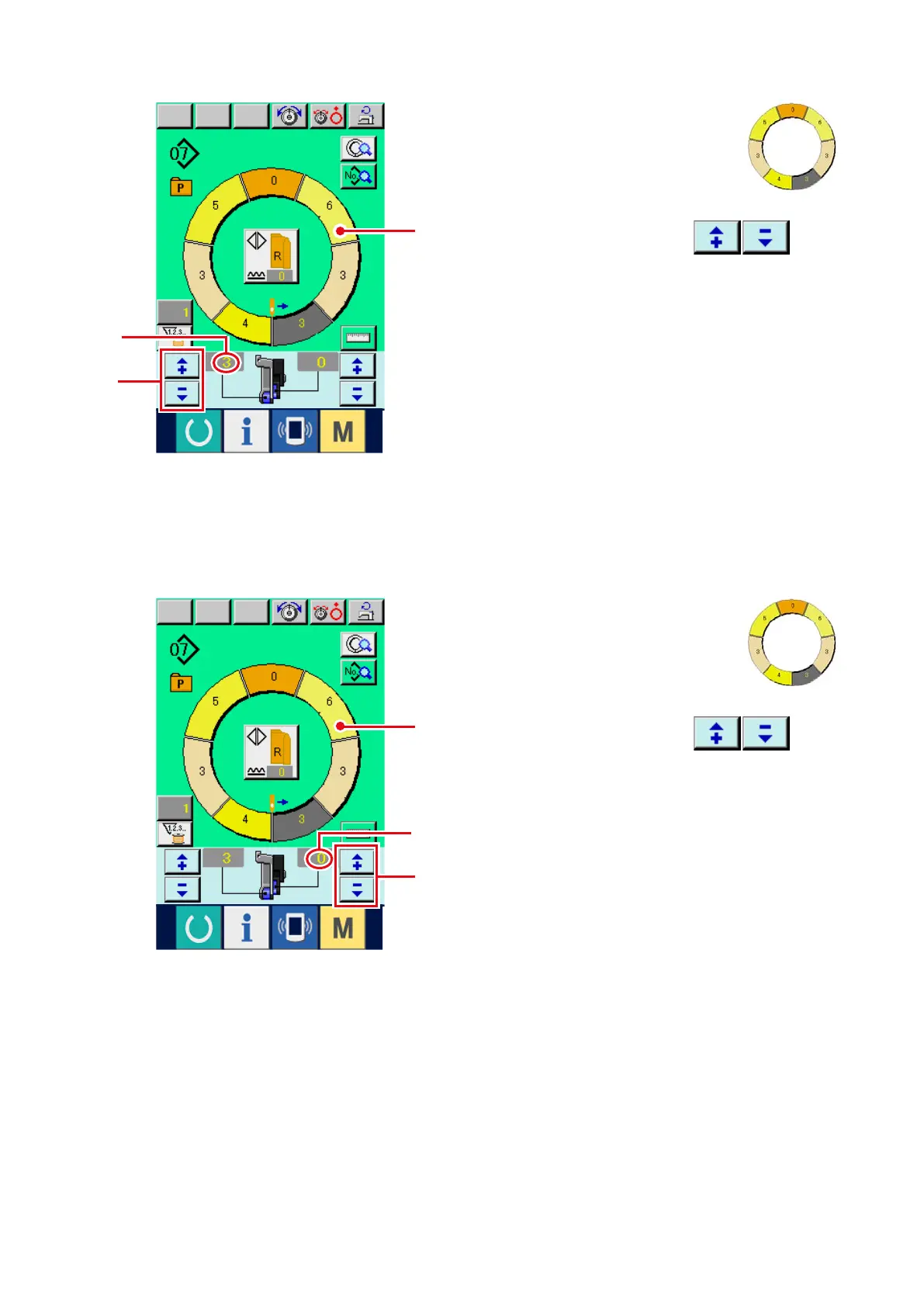
(4) Changing the shirring amount <Shirring amount setting>
(5) Changing the shirring amount of auxiliary feed
<Auxiliary feed shirring amount setting>
A
A
2
1
1
2
1) Press STEP SELECTION button
1
to select step.
2) Pr e s s "+ " / " –" b u t to n s
2
to
change shirring amount set value
A
.
1) Press STEP SELECTION button
1
to select step.
2) Pr e s s "+ " / " –" b u t to n s
2
to
change shirring amount set value for auxiliary
feed
A
.



 To Next Page