–
29
–
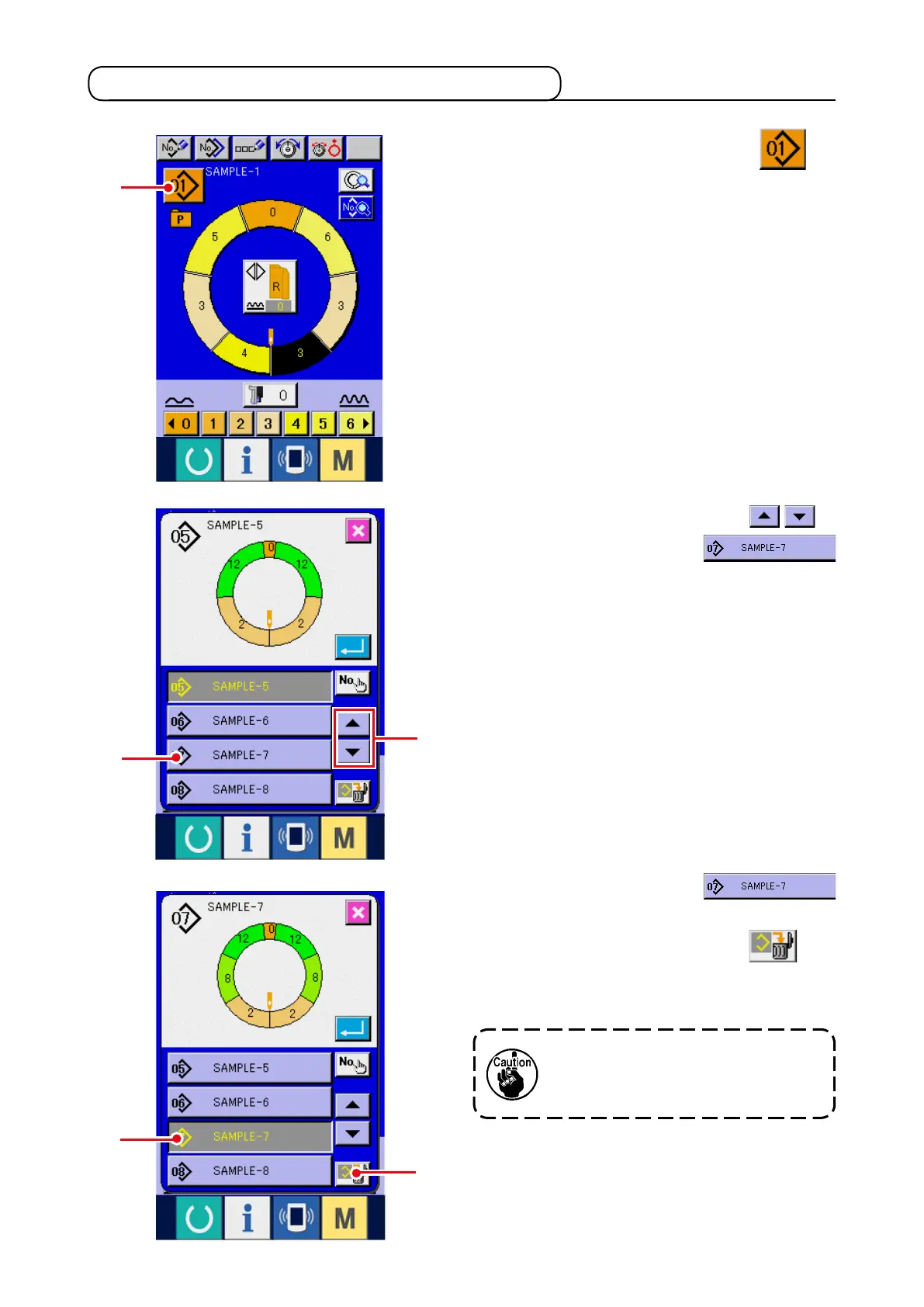
5-8 Deleting the pattern <Pattern deletion>
1) Press PATTERN SELECTION button
1
.
2) Press UP/DOWN SCROLL buttons
2
to display pattern No. button
3
of the pattern to be deleted.
3) Press PATTERN No. buttonn
3
.
4) Press PATTERN DELETION button
4
.
When deleting it, the pattern does
not return to the former one. So, be
careful.
1
2
3
3
4



 To Next Page