–
145
–
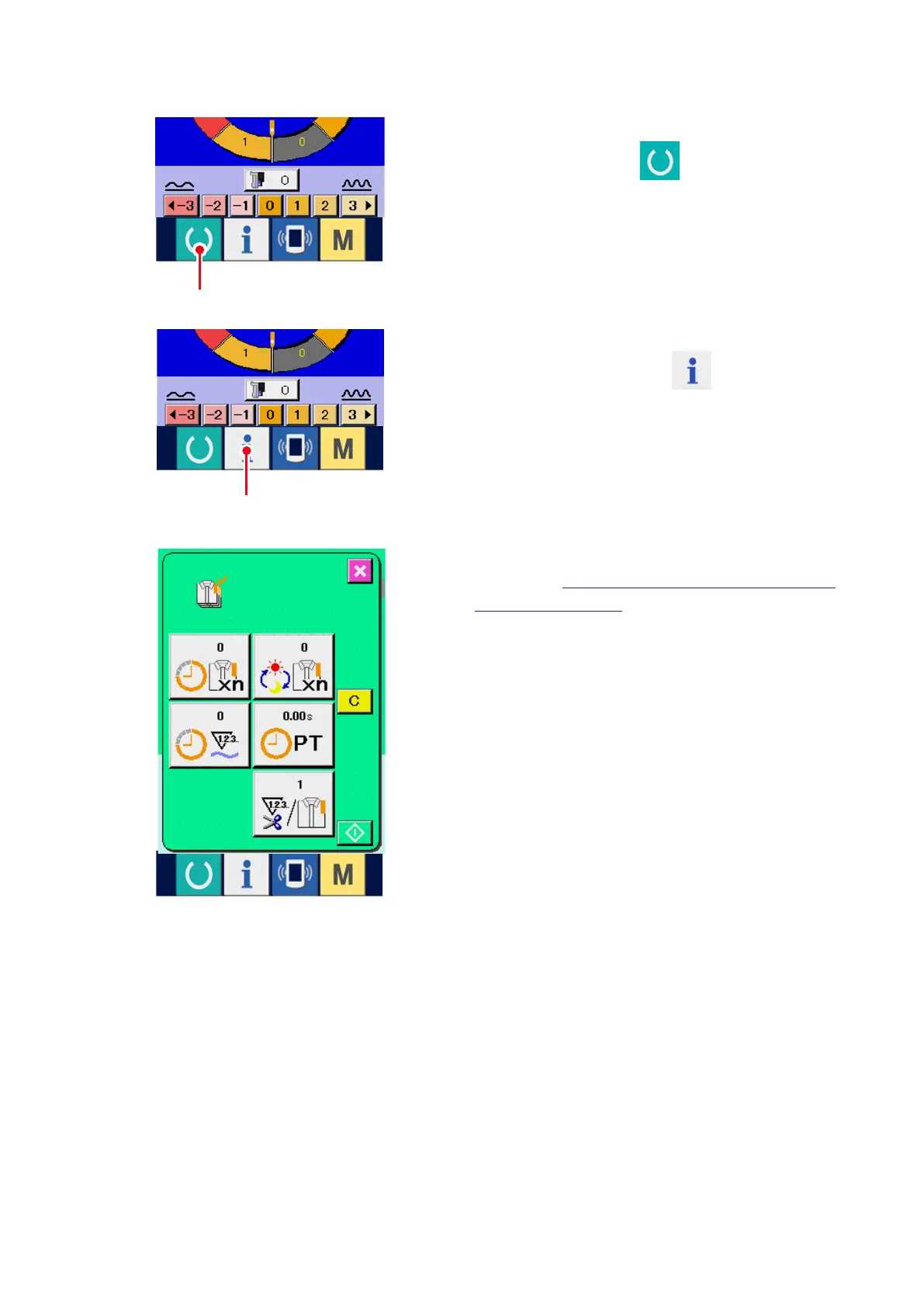
1) Display the sewing screen.
When READY key
1
of the switch seat
section is pressed in the data input screen, the
sewing screen is displayed.
2) Display the production control screen.
When information key
2
of the switch
seat section is pressed in the sewing screen, the
production control screen is displayed.
(2) When displaying from the sewing screen
1
2
The contents of display and the functions are
common to
"17-4 (1) When displaying from the
information screen"
.



 To Next Page