–
164
–
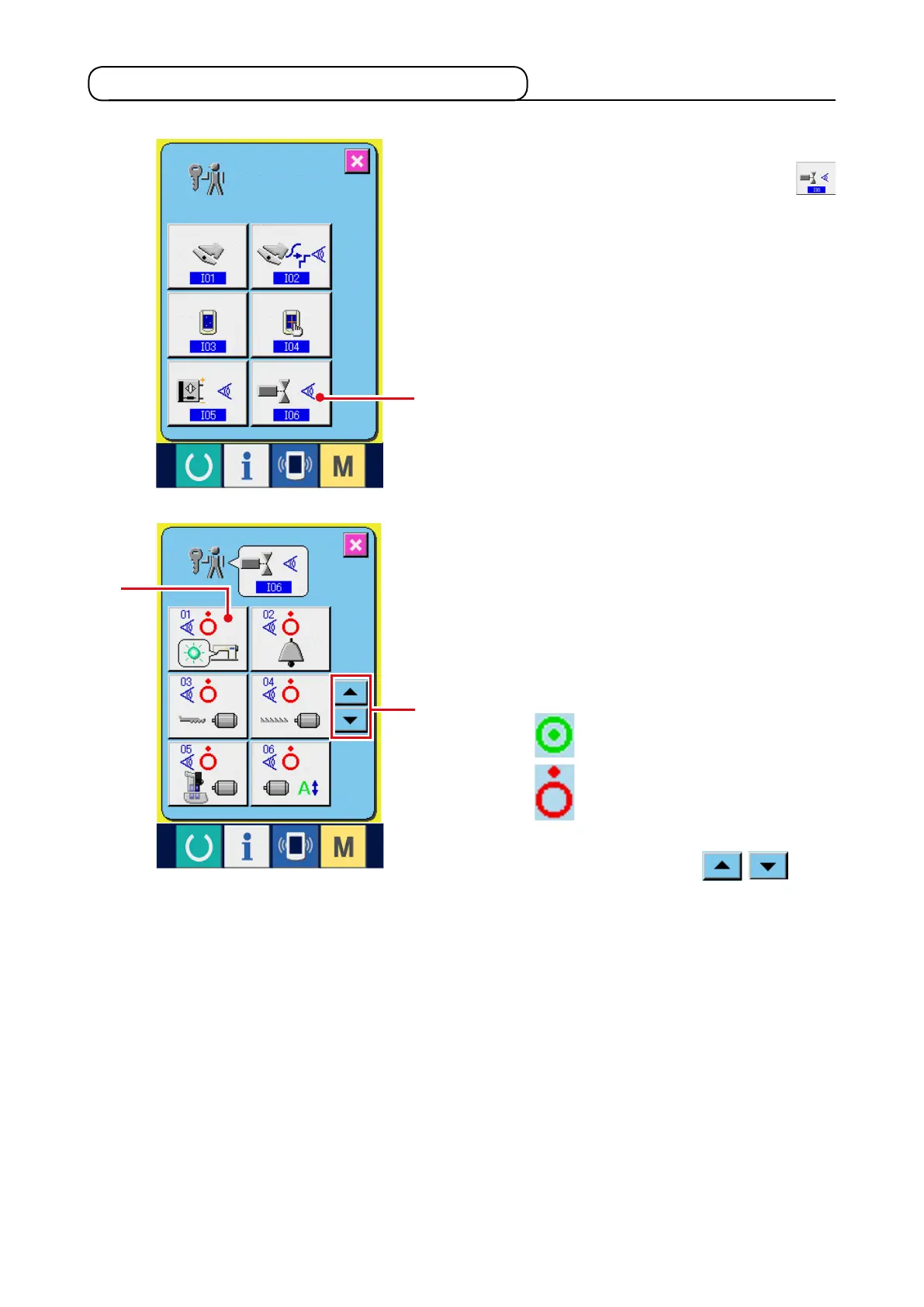
21-7 Performing the output signal check
1) Display the output signal check screen.
When OUTPUT SIGNAL CHECK button
1
of the check program screen is pressed, the
output signal check screen is displayed.
2) Perform the output signal check.
Output state of the various output signals can be
checked in the output signal check screen.
Output state is displayed as
2
with every output
signal.
Display of ON/OFF state is shown as below.
: ON state
: OFF state
Press UP/DOWN buttons
3
to
check the output signal you desire to check.
2
3
1



 To Next Page