–
37
–
(6) Deleting the step <Step deletion>
1) Press READY key
1
to change over the
screen to data input screen
A
.
2) Press STEP SELECTION button
2
to select the step to be deleted.
3) Press STEP DETAILS button
3
.
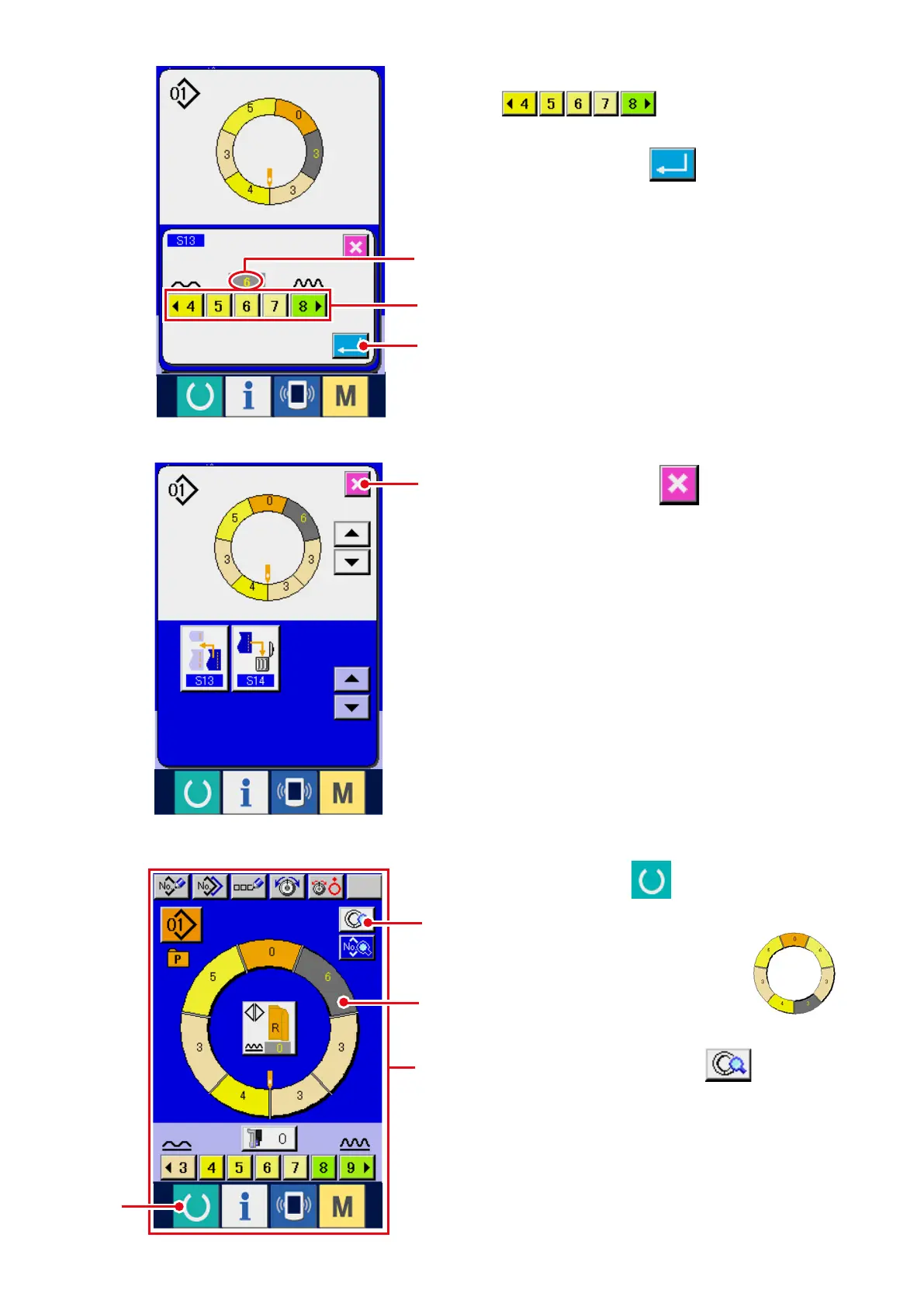
5) Press CANCEL button
8
.
6 ) P r e s s S H I R R I N G A M O U N T b u t t o n s
7
to change shirring
amount set value
A
.
7) Press ENTER button
6
.
A
7
6
1
A
2
3
8



 To Next Page