–
87
–
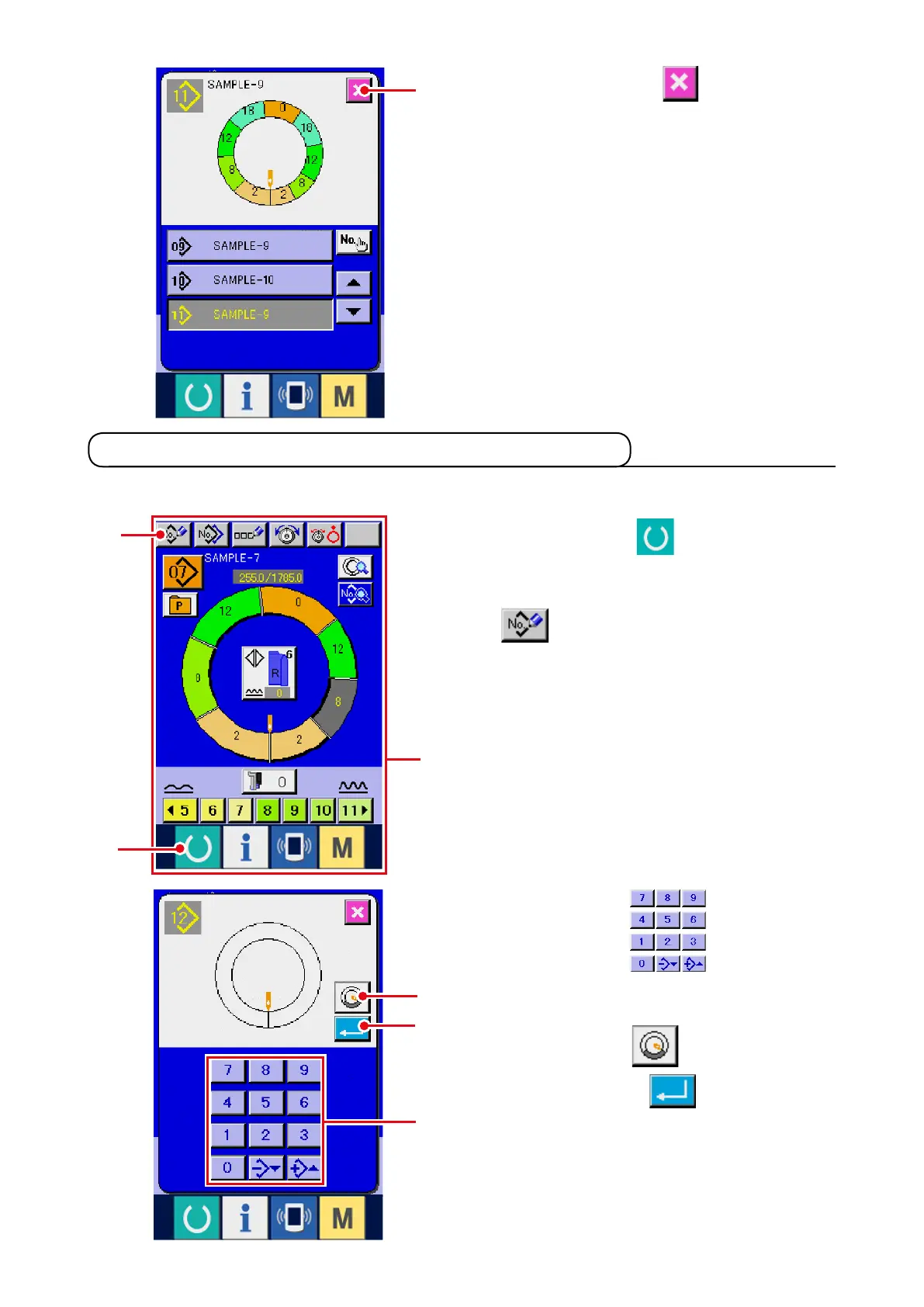
3) Press ten keys
3
to input new
pattern No. (When creating sleeve wadding
pattern, press SLEEVE WADDING PATTERN
CREATION button
4
.)
4) Press ENTER button
5
.
8-3 Creating a new pattern <New pattern creation>
1) Press READY key
1
to change over the
screen to data input screen
A
.
2) Pr ess PATT ERN NEW REGISTER button
2
.
8) Press CANCEL button
8
.
* When the number of registered patterns of
fully-automatic is 99 patterns, the display is
automatically changed over and the pattern is
copied to semi-automatic.
The way to newly create a pattern is explained in the application volume.
8
2
1
3
5
4
A



 To Next Page