–
154
–
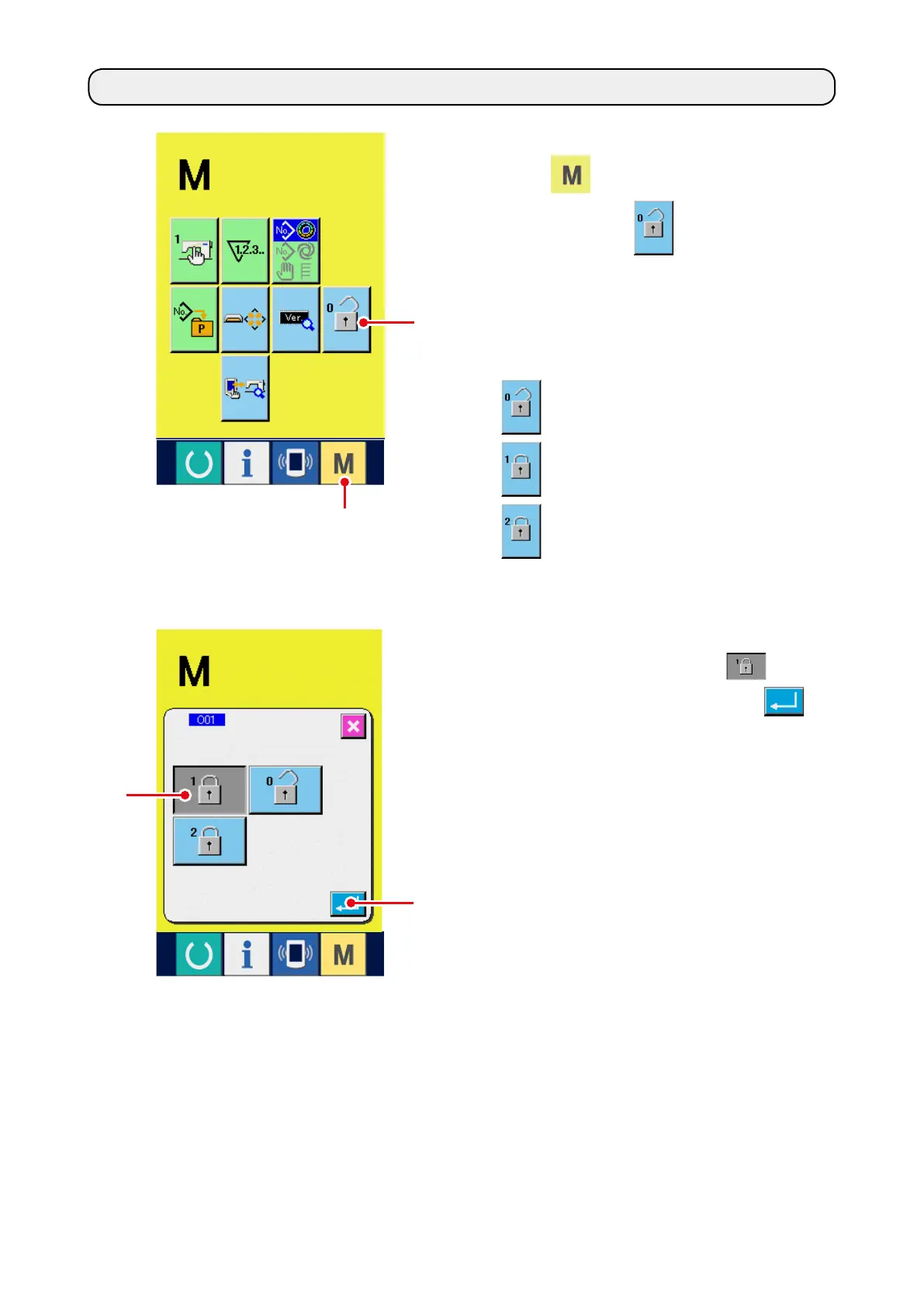
1) Display the key lock screen.
Press
1
key for three seconds, and the
KEY LOCK button
2
is displayed on the
screen. When this button is pressed down, the
key lock screen is displayed.
The existing setting state is displayed on the
KEY LOCK button.
: State that key lock is not set
: State that key lock 1 is set
: State that key lock 2 is set
19. PERFORMING KEY LOCK
2) Select and determine the key lock state.
Select the key lock state button
3
in the
key lock setting screen, and press
4
.
Then the key lock setting screen is closed and
the key lock state is set.
3
4
2
1



 To Next Page