–
155
–
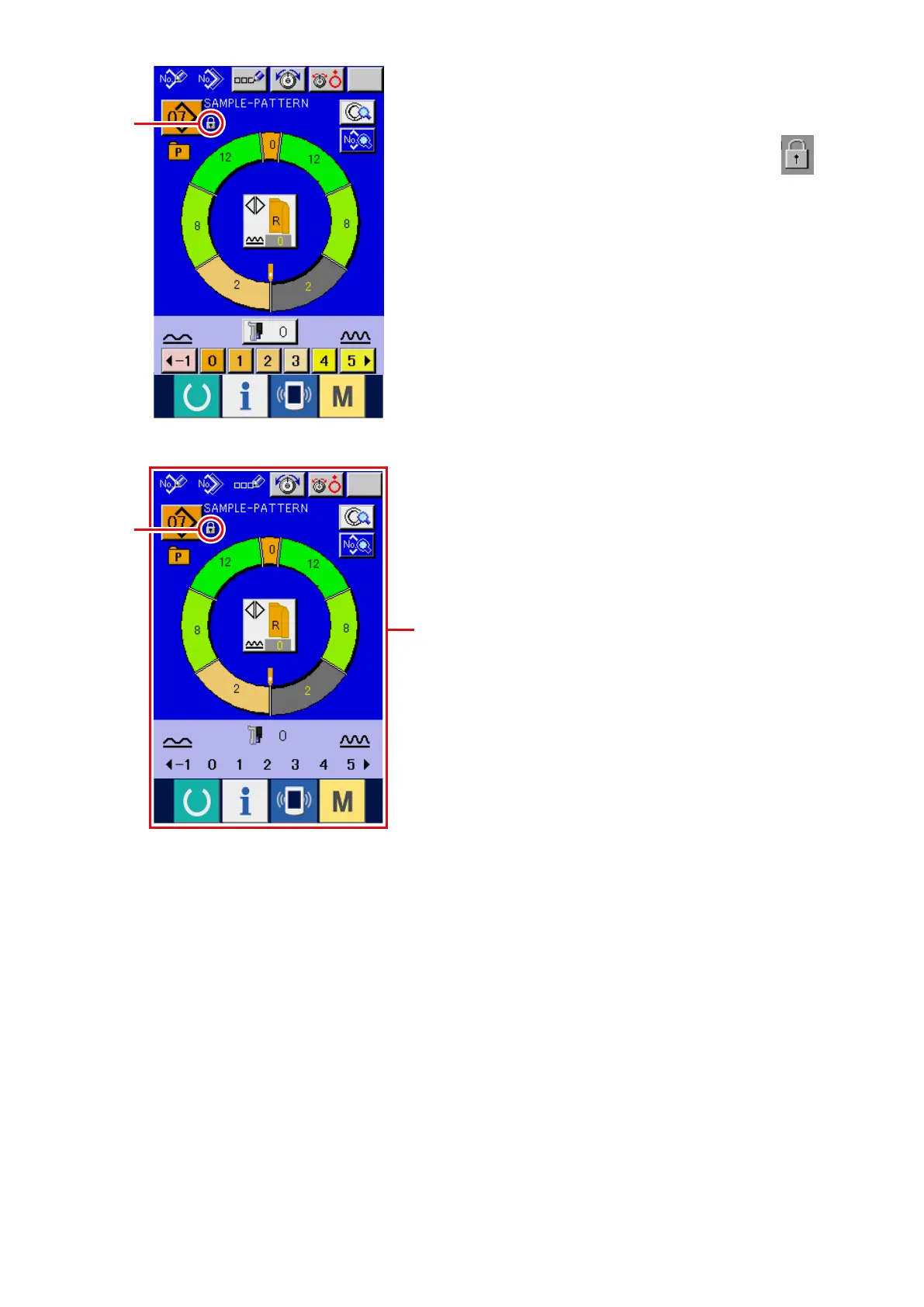
3) Close the mode screen and display the data
input screen.
When the mode screen is closed and the data
input screen is displayed, pictograph
5
showing the key lock state is displayed on the
right-hand side of the pattern No. display.
Besides, only the buttons which are possible to
be used even in the key lock state are displayed.
* State that key lock 2 is set
A
A
5
5



 To Next Page