–
136
–
3) Performing format
In case of re-formatting the media, be sure to perform it with IP-310. The media formatted with the person-
al computer cannot be read with IP-310.
1
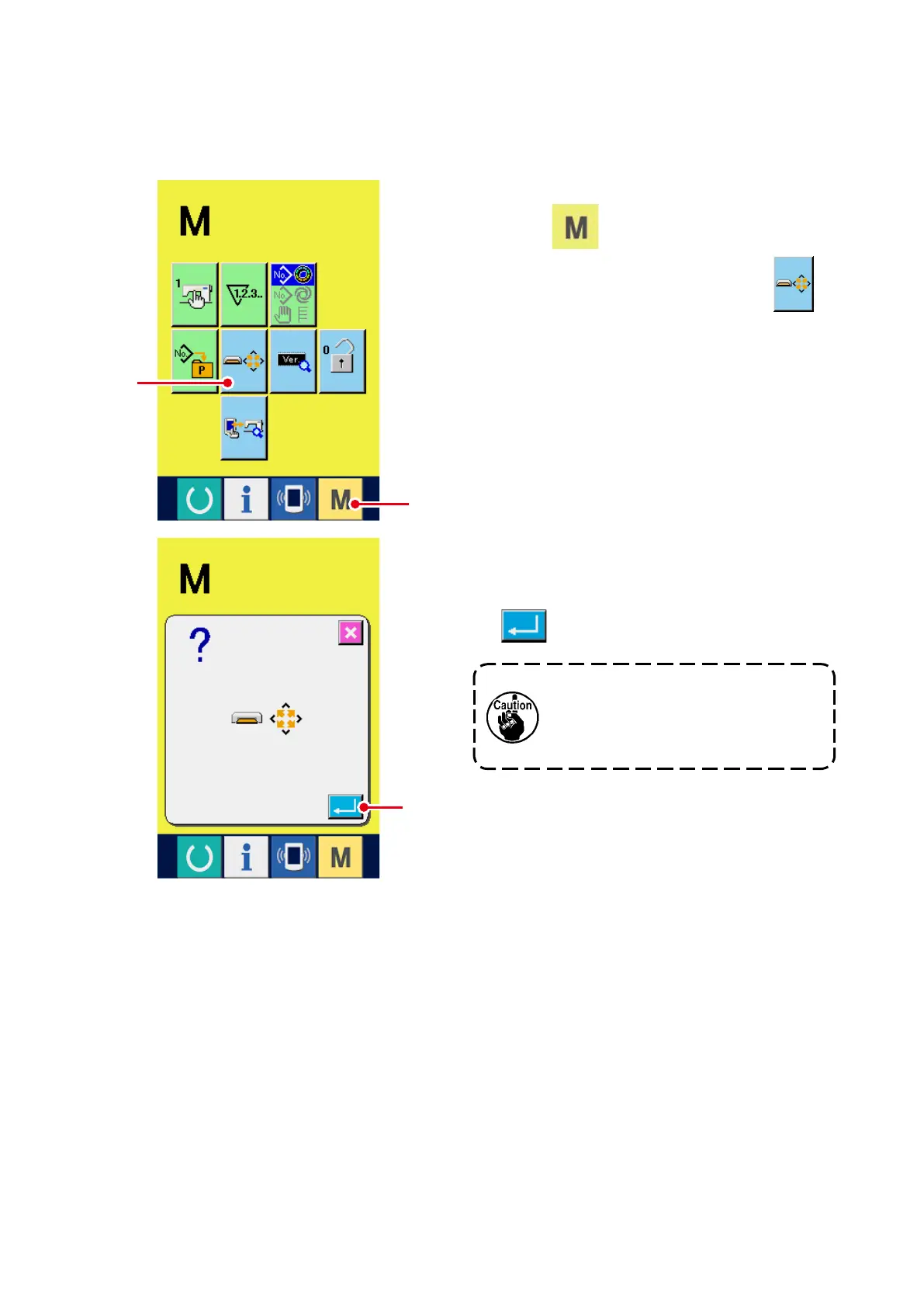
Display the media format screen.
When
1
switch is held pressed for
three seconds, media format button
2
is displayed on the screen. When this button is
pressed, the media format screen is displayed.
2
Start formatting of the media.
Set the media you desire to format to the me-
dia slot, close the cover, press ENTER button
3
and formatting starts.
Save necessary data in the media to
the other vehicle before formatting.
When formatting is performed, the
inside data are deleted.
2
1
3



 To Next Page