–
151
–
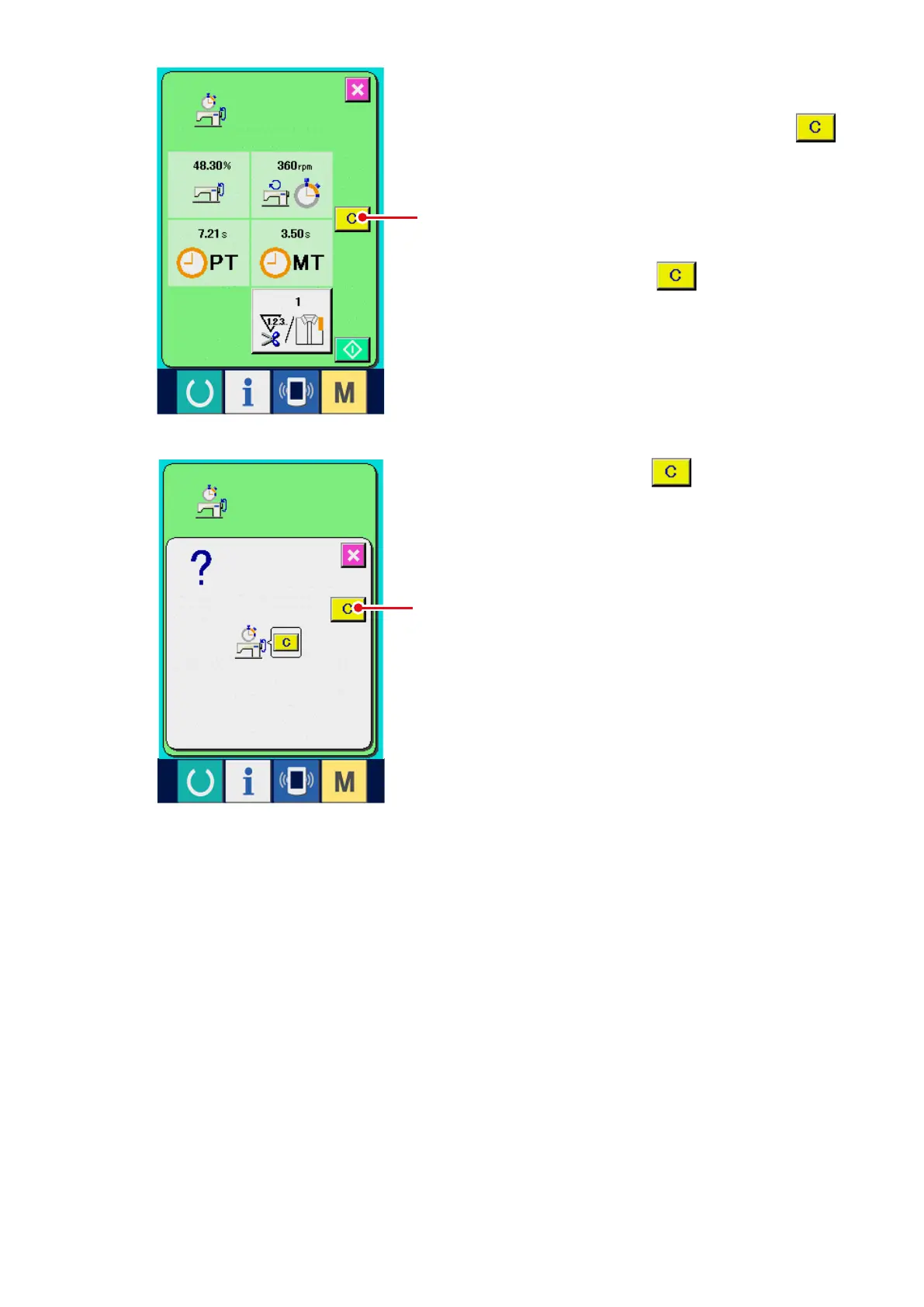
6) Clear the counted value.
When clearing the counted value, set the count
to the stop state and press CLEAR button
6
.
(Note)
CLEAR button is displayed in case of the
stop state only.
When CLEAR button
6
is pressed, the
clear conrmation screen is displayed.
When CLEAR button
7
is pressed in the
clear conrmation screen, the counted value is
cleared.
6
7



 To Next Page