–
161
–
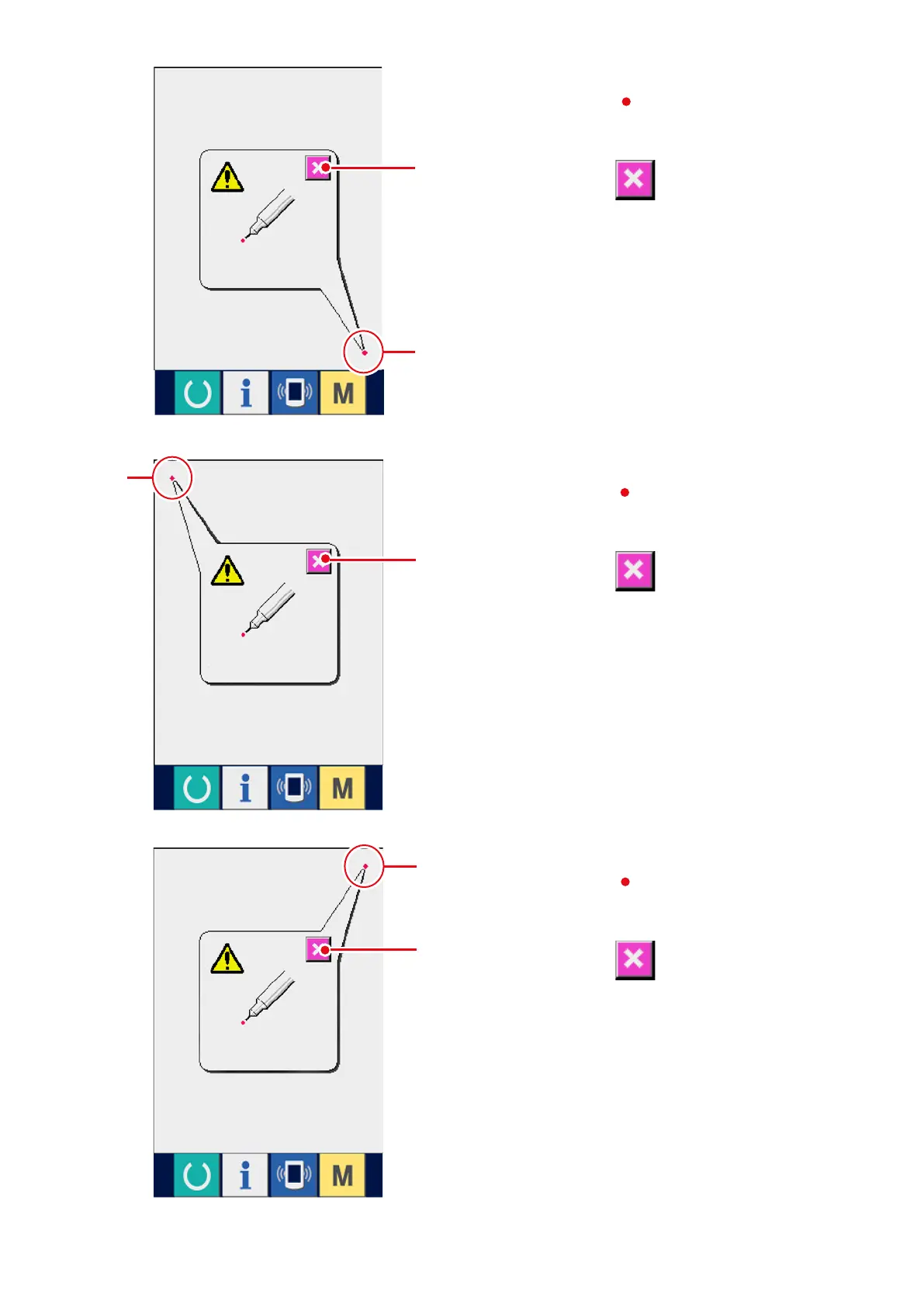
5) Press the upper right position.
Press red circle
6
located at the upper right
position on the screen.
When fi n i s h i n g th e compensation, press
CANCEL button
2
.
3) Press the lower right position.
Press red circle
4
located at the lower right
position on the screen.
When fi n i s h i n g th e compensation, press
CANCEL button
2
.
4) Press the upper left position.
Press red circle
5
located at the upper left
position on the screen.
Whennishingthecompensation,press
CANCEL button
2
.
2
2
2
4
5
6



 To Next Page