–
23
–
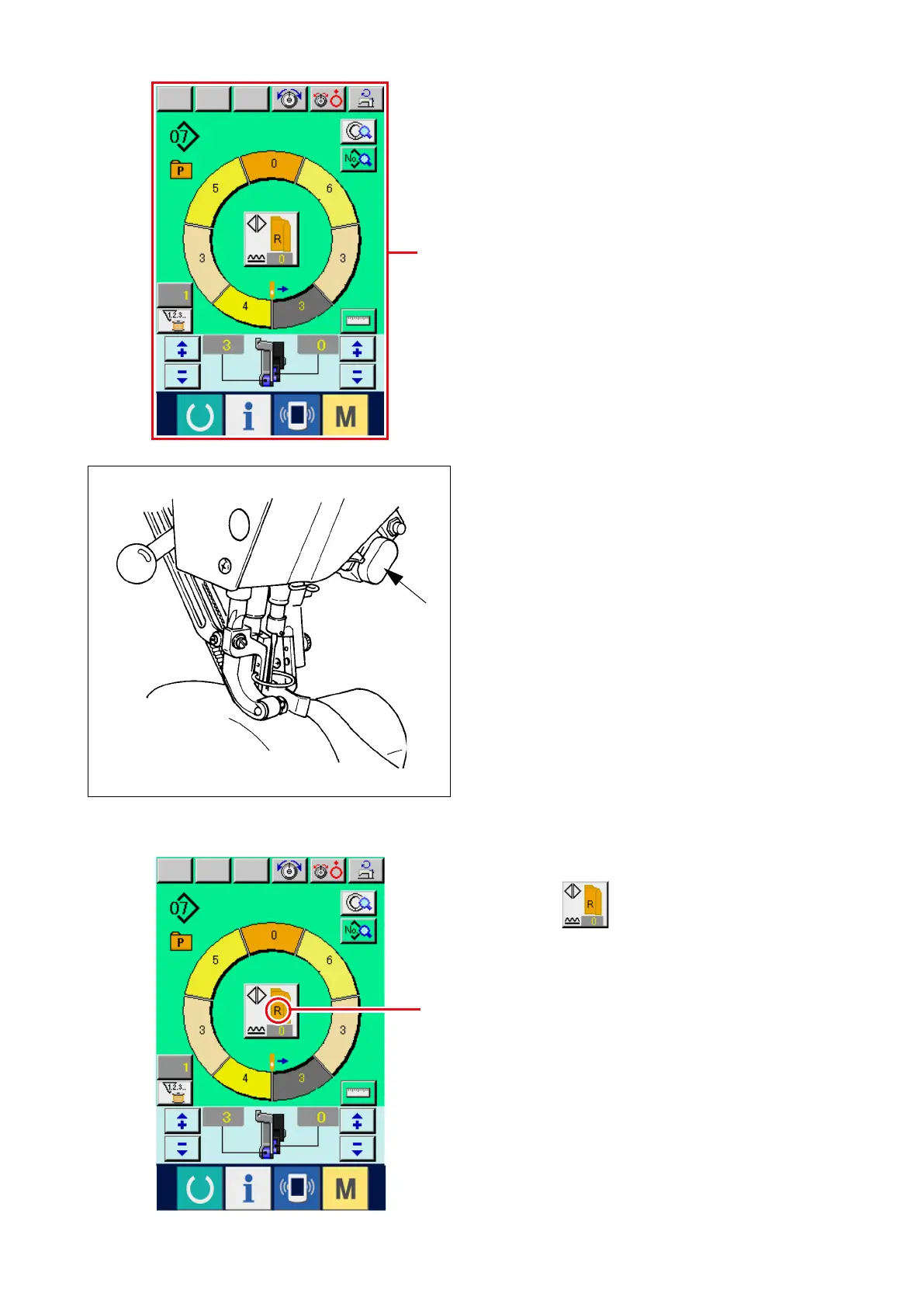
3) Set sleeves and garment body to the sewing
machine.
* When temporarily setting the shirring amount to
"0" during sewing, press SHIRRING RELEASE
switch
C
.
When the switch is pressed, LED lights up
and the shirring amount is set to "0". When the
switch is pressed twice, LED goes off and the
shirring amount returns to the shirring amount of
the selected step.
B
C
1
4) Check LEFT/RIGHT ALTERNATE SEWING
b u t t o n
1
w h e t h e r or n o t t h e s e t
materials correspond with the called program (for
right sleeve/left sleeve).
5) Start sewing.
6) When sewing is performed up to the next notch,
stop the sewing machine once.



 To Next Page