122 | 10 Creating your own styles
9. Turn off the RECORD button on the screen.
10. Press START once again to listen to the new recording.
Other functions can come in handy during your work:
• PART LISTEN: Allows you to listen to the selected sound directly from the
keyboard.
• MUTE: Resets the volume of the selected track to highlight the other tracks in the
mix.
• SOLO: Puts ONLY the track in progress so that you can listen to it separately from
the other tracks.
Now let us review in detail some of the functions mentioned above.
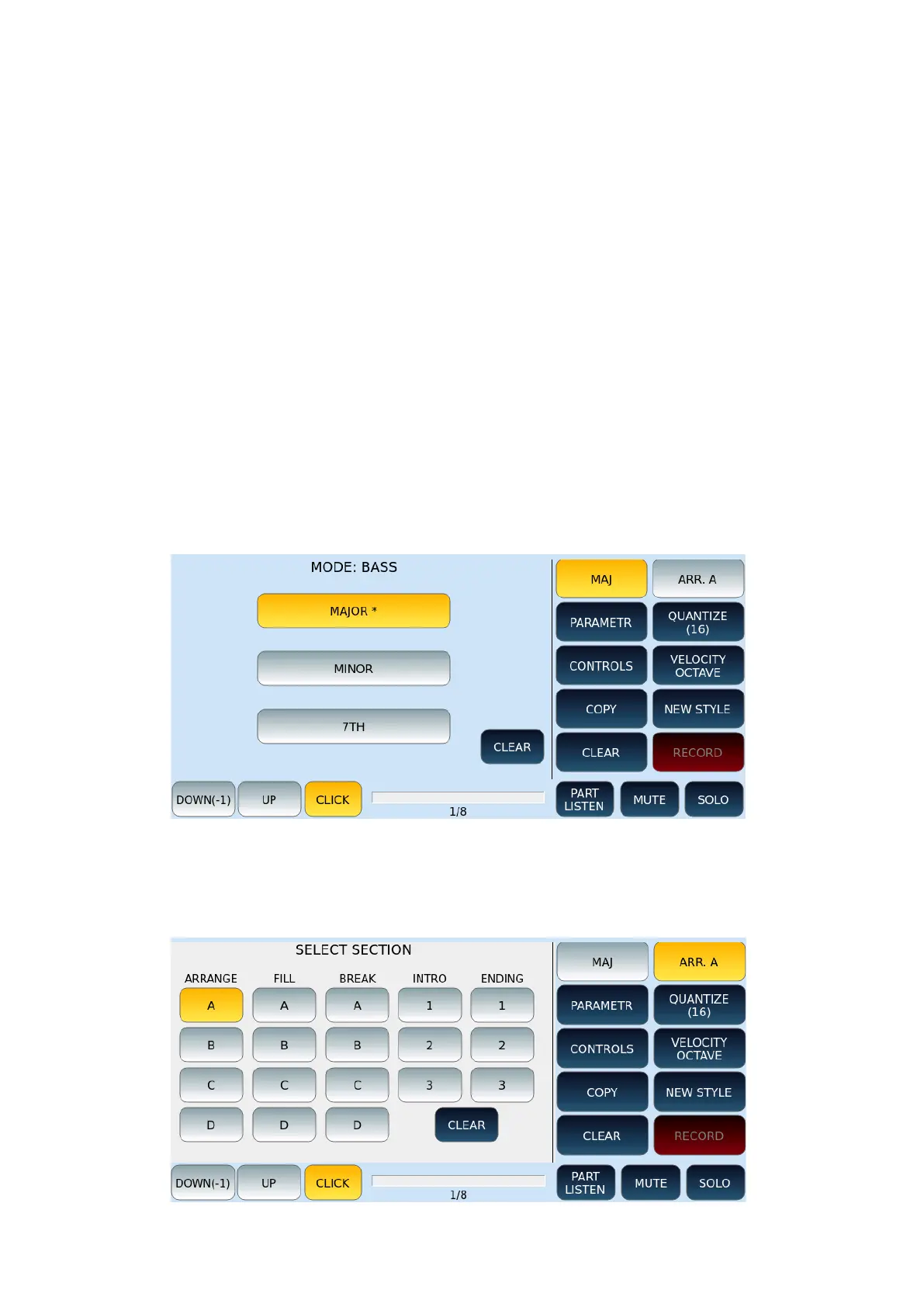
MODE
On the MODE page, choose whether the pattern is a major (MAJ), minor (MIN), or seventh
(7TH) chord.
SELECT SECTIONS / TYPE PARTS
On the SELECT SECTION page, choose the style section: ABCD, FILL, BREAK, INTRO or
ENDING variation on which to apply your customization.
QUANTIZE



 To Next Page