8 | 01 Getting started
• K.START, K.STOP: These buttons control the start and stop of styles based on
whether or not you play on the keyboard, more details in the dedicated
paragraph.
• FADE: Press this button (while playing) to stop the performance by slowly fading
out the volume. It acts on the accompaniment style, on the song played by the
PLAYER, and on the keyboard-played parts in real time.
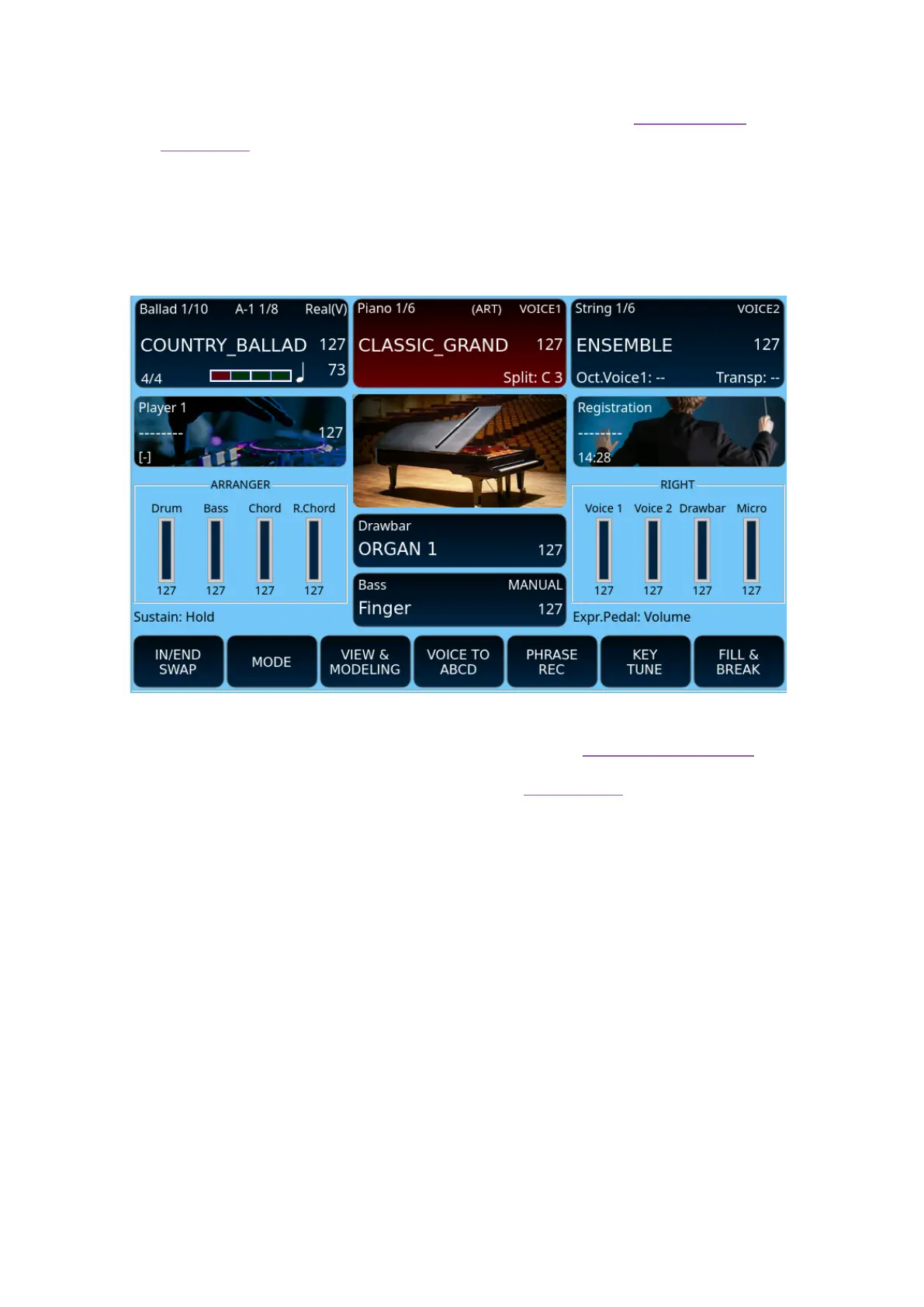
2. Central area of the panel
This area corresponds to the HOME page in the touch screen known so far in the other
KETRON EVENT models; see the complete description in the dedicated paragraph.
When you power on the instrument, EVM displays the HOME page at start.



 To Next Page