12 Effects | 137
• EXPORT: This on-screen button allows you to export effects to a file called
effects.kfa in the /USER_DSP folder. This file contains all the effects of the EVM
chains. Touch this file in the Player to install the effects when needed.
• RESTORE: This button restores USER effects for Insert chains.
• EDIT: If you edit an effect, the EDIT button activates, allowing you to further
customize the selected effect on the screen. The pages that appear are specific to
each type of effect and guide you to the best configuration. The instrument allows
you to save changes by pressing the SAVE button on each specific page.
• BACK: returns to the previous page on the screen, equivalent to the EXIT button
on the panel.
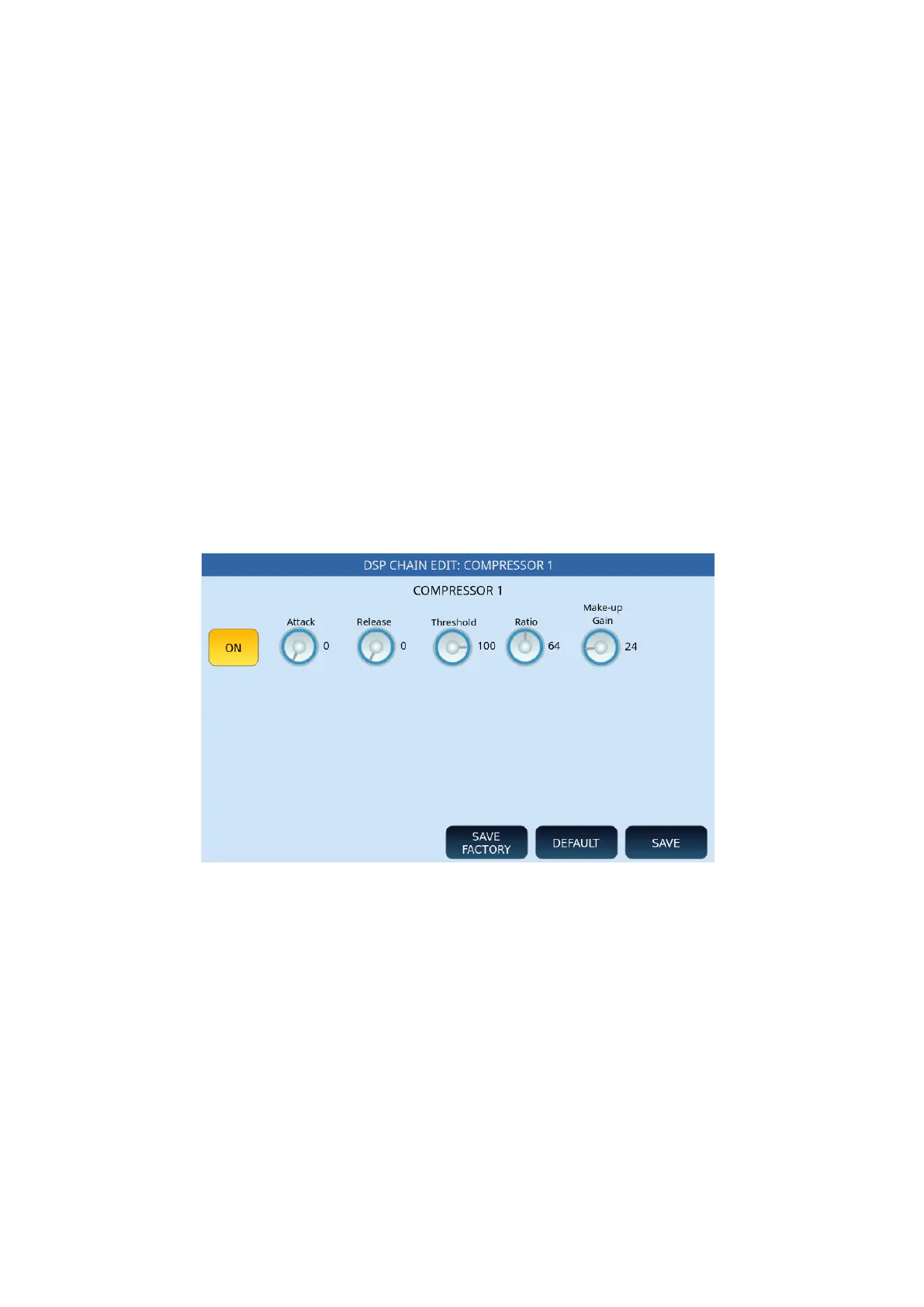
Parameters DSP CHAN EDIT
This is the list of the parameters of the CHAIN effects.
• SAVE FACTORY: Saves factory parameters to a USER location.
• DEFAULT: Reset to factory.
• SAVE: Saves the modified effect to a USER location.
COMPRESSOR parameters:
• ON/OFF: Enable or disable.
• Attack: Determines the delay (0-127) for the trigger of the reduction in gain.
• Release: Determines the delay (0-127) for defusing the reduction gain.
• Threshold: Establishes the threshold (0-127) beyond which the compressor
intervenes.
• Ratio: Determines how much reduction of earnings to apply. The higher the value
of this parameter, the stronger the compression.
• Make-Up Gain: Refers to controlling the gain at the output of the compressor.



 To Next Page