164 | 13 Global menus and settings
Processing of individual samples (EDIT)
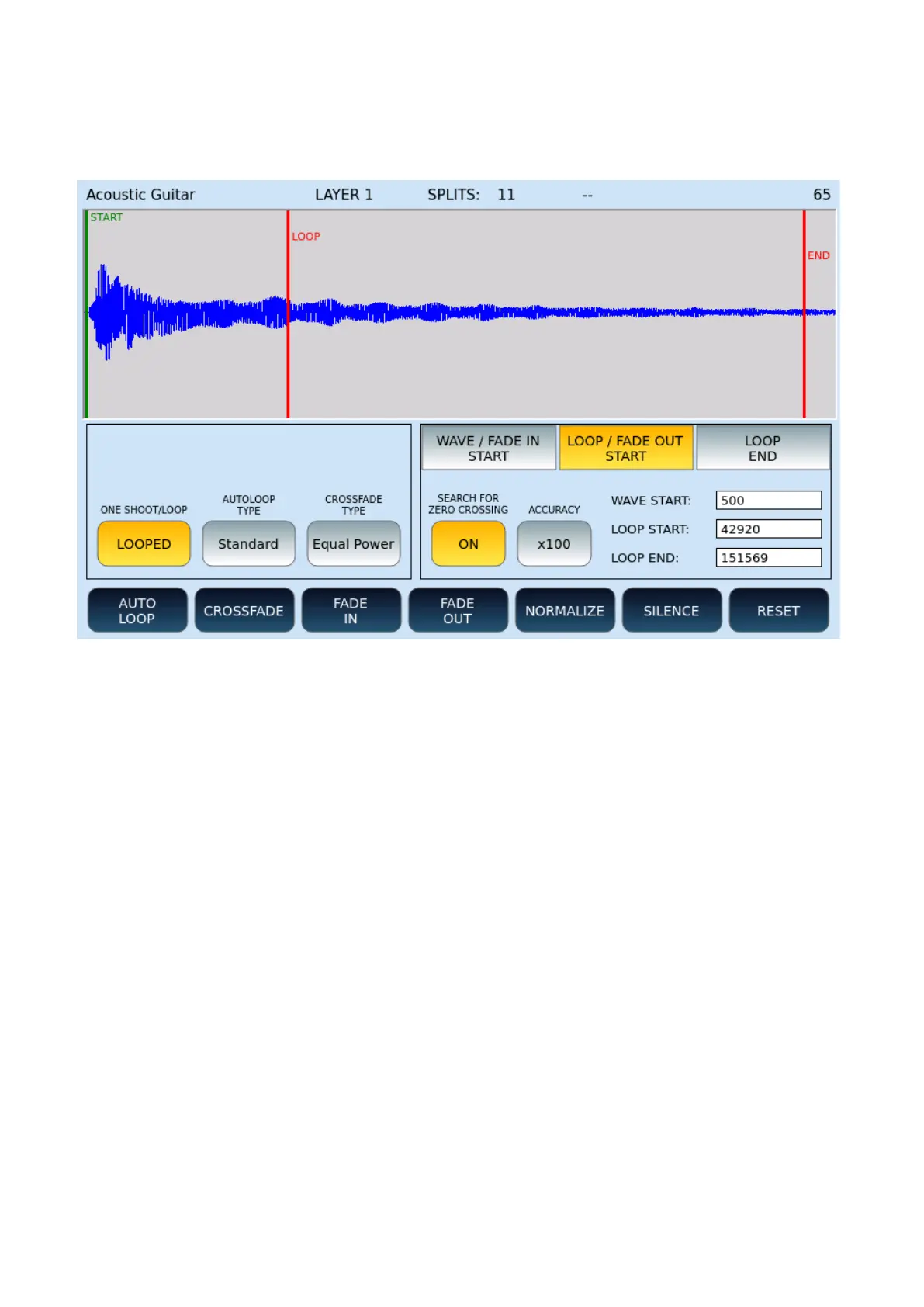
This page can be reached by pressing EDIT after loading an INSTRUMENT as we have seen
above.
Frame on the left
Options:
• ONE SHOOT/LOOP: Define whether the sample should be run once or cyclically.
• AUTOLOOP TYPE: The allowed values are Standard and Fast.
• CROSSFADE TYPE: You can set a value of your choice between Equal Power, Sine,
Linear, or S Line.
Frame on the right
You can define WAVE START, LOOP START, LOOP END points. Initially they are those saved
within the wave file in the smpl subchunk. Otherwise, default values are set.
ATTENTION!
• The loop points may differ from those saved within the WAV file due to some
adjustments needed to fit the sample to the internal memory structure of the
sampler.
• The selection of loop points is not always accurate to the sample and may "skip"
zones. This happens because of the internal memory management that does not
allow the arbitrary choice of any loop point.



 To Next Page