188 | 14 Inputs and Outputs
Method 4: VNC via router
Step by step:
1. Connect one end of the ETHERNET cable to the ETHERNET port on the instrument
and the other end to a router.
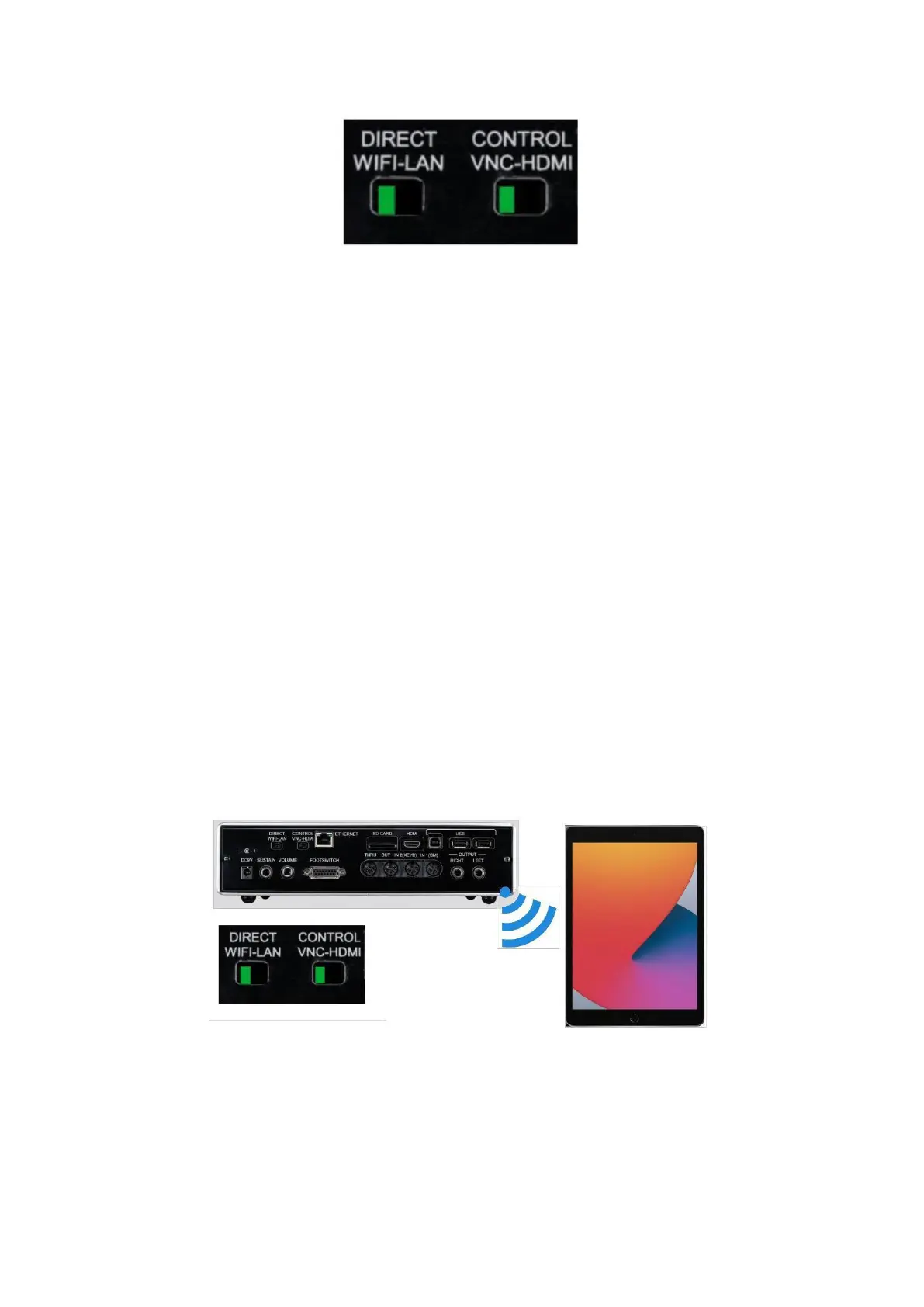
2. Set the VNC/HDMI switch to VNC and the WIFI/LAN switch to WIFI.
3. Turn on the instrument.
4. Wait until the instrument is fully operational (all LEDs will stop flashing).
5. Retrieve the IP address of the tool using the tools and utilities provided by the
router (some devices allow you to inspect connected devices by accessing the
router's address, e.g., 192.168.0.1).
6. Open the VNC client and connect to the IP address of the tool provided by the
router.
Method 5: VNC Direct over Wi-Fi
This method of connection introduces unavoidable latency into the connection, depending
on the hardware and software of the control device. It is therefore not the preferred method
among those we suggest.
Step by step:
1. Set the VNC/HDMI switch to VNC and the WIFI/LAN switch to WIFI.
2. Turn on the instrument.
3. Wait until the instrument is fully operational (all LEDs stop flashing).



 To Next Page