08 GM and Drum Restyle | 89
All changes applied to the 16 tracks in GM mode can be permanently applied to the MIDI
file. And not only that: you can also store the volume of the panel sliders PLAYER, DRUM
and BASS, the tonality transposition values (GLOBAL, KEYBOARD) and the Time.
This is of course available by pressing the SAVE button on the panel.
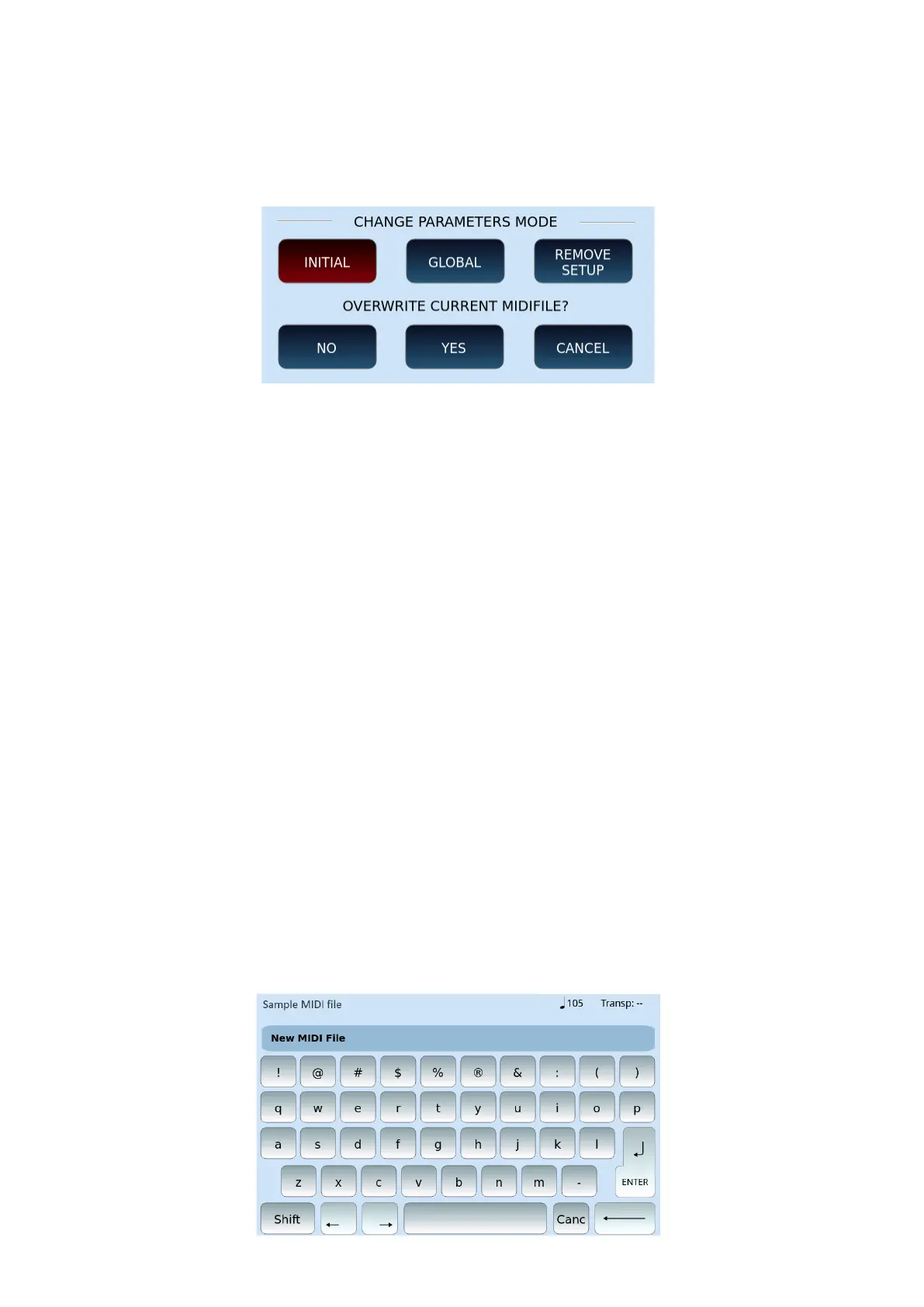
Options:
• INITIAL: This option saves metadata at the beginning of the MIDI file. It preserves
all variations of program, volume, pan, reverb, chorus and so on in the rest of the
MIDI file.
• GLOBAL: This option saves changes globally. It blocks any other program variation,
volume, pan, reverb, chorus and so on that maybe found within the MIDI file.
• REMOVE SETUP: Removes previous changes made by the instrument to the MIDI
file.
And then on the second row, the system asks if you want to replace the original MIDI file
that was opened. Here you can make the following choices – touch ...:
• CANCEL: The operation is canceled. All changes are lost and the MIDI file is not
altered.
• YES: The changes made are applied to the original MIDI file. The next time you
reopen that MIDI file you will have the new version. Choose this ONLY if you no
longer need the original version of the MIDI file, else choose the next option
below -
• NO: the original file is not modified, and EVM asks you to name the new MIDI file,
as follows (meaning the origial untouched file AND the new modified file will both
exist after this operation).



 To Next Page