88 | 08 GM and Drum Restyle
DRUM MIXER
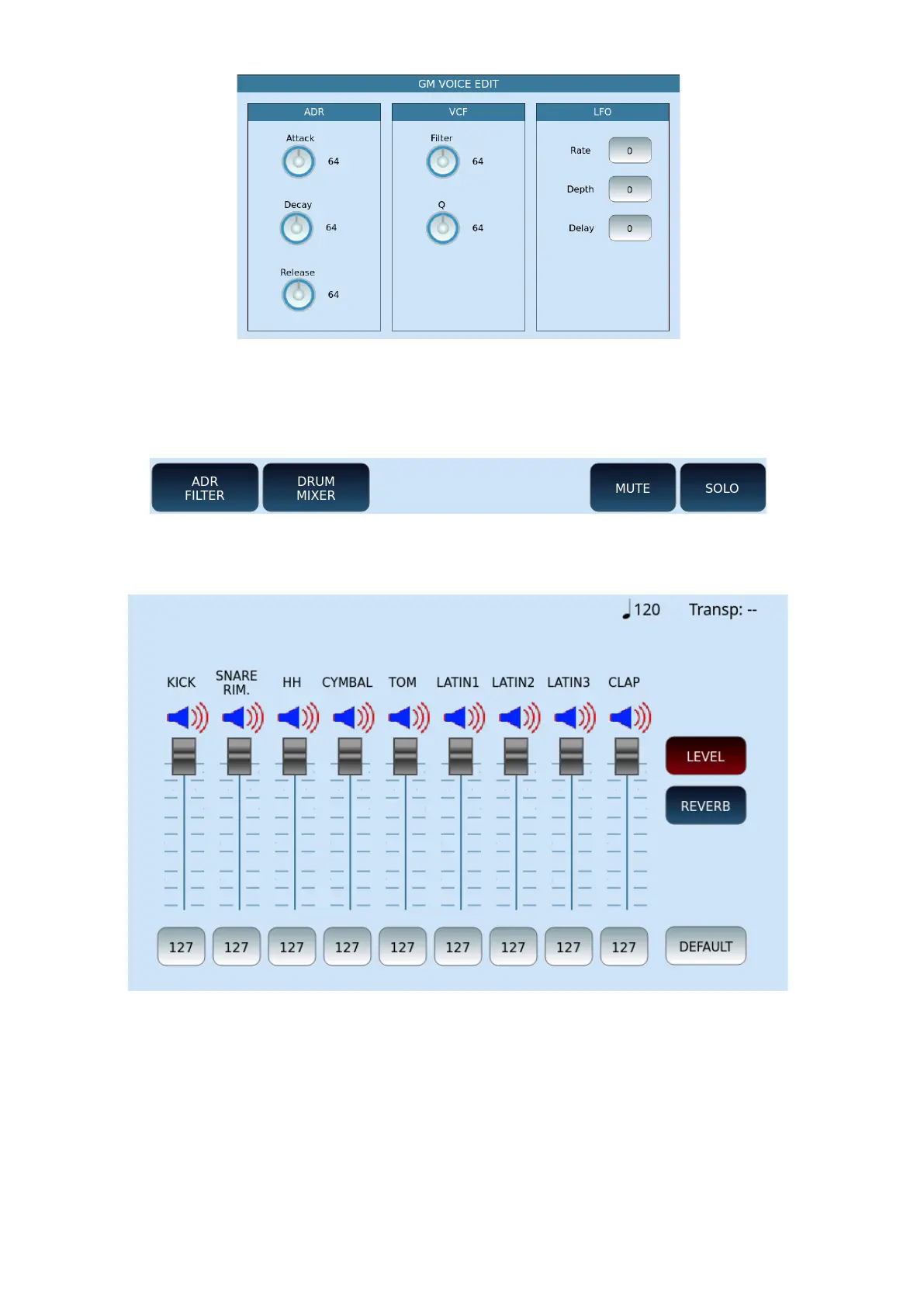
If the selected track is of the DRUM category, the PART VIEW page displays the additional
DRUM MIXER button.
If you press that button, the page appears where all the individual drum sounds are
displayed, with the volume and reverb levels.
You can customize the drum sounds, increasing – for example – the reverb on the snare
drum (if too dry), or removing unwanted instruments, such as congas, from the mix. To
deactivate and reactivate a selection, touch corresponding icon button.
Press the EXIT button on the panel to return to the previous page.
SAVING THE MIDI SONG WITH THE NEW CHANGES



 To Next Page