Ch.3 Sequence of Examination
< 35 >
REGIUS Console CS-3 OPERATION MANUAL Ver. 1.10 2005.2
5 After the order registration is completed;
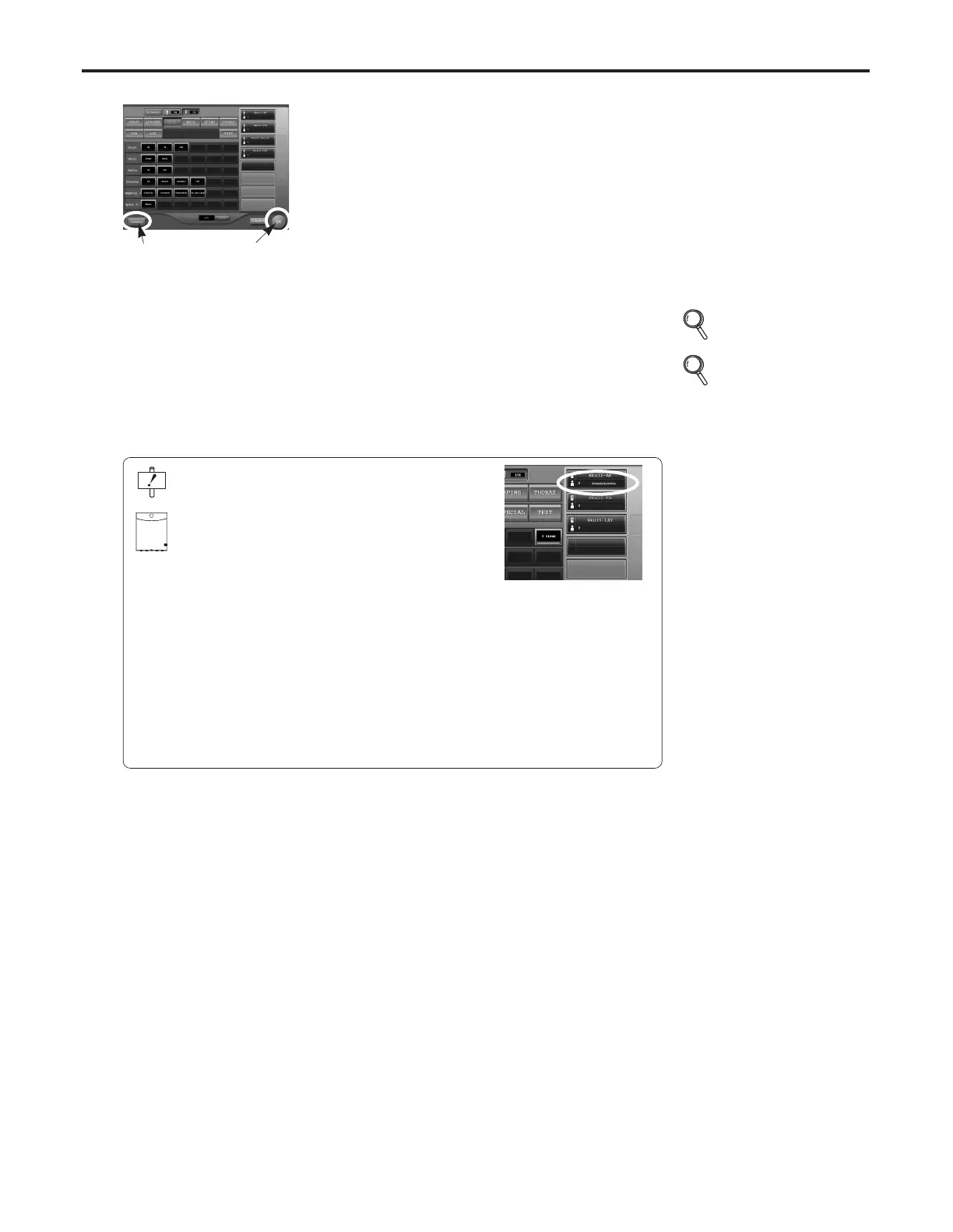
s Touch the [OK] button to start the examination.
• The examination check screen will be displayed.
s Touch the [Schedule] button to register another
examination.
• The screen will return to the initial screen.
[OK] Button
Following this screen:
• Start examination
• Register another examination
[Schedule]
Button
p.31, 32
Patient Data
Input
p.36-44 Exposure
When the reader device is a cassette reader, and the
registration method is "Bar Code Registration",
the cassette bar code may be read into the order regis-
tered on the examination check screen (see right).
Select the order in which the bar code should be regis-
tered to read the cassette bar code.
Touch the [OK] button to validate the registration of the
bar code. Insertion of the cassette without touching the
[OK] button will result in error ("REGISTRATION
ERROR - PRESS EJECT").
If this message is displayed, push the eject button on
the cassette reader to remove the cassette. Then, regis-
ter the bar code again and touch the [OK] button to
move to the examination check screen. When the exam-
ination check screen is displayed, insert the cassette
again.



 To Next Page