Ch.4 Description of Screens
< 93 >
REGIUS Console CS-3 OPERATION MANUAL Ver. 1.10 2005.2
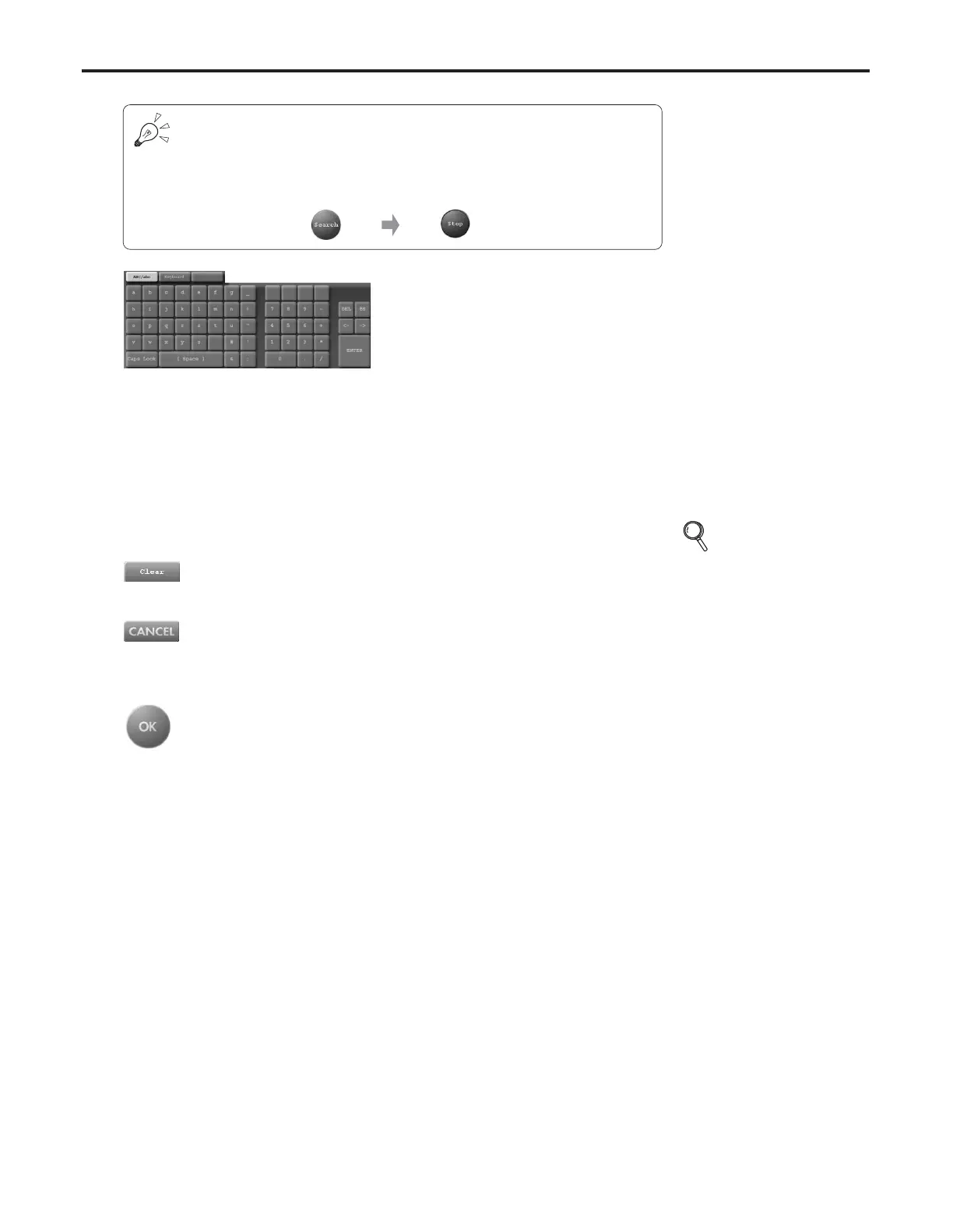
In systems where data is retrieved from a higher device, the [search] button
display changes from "search" to "cancel" during retrieval of patient data from
the higher device.
Touching the [cancel] button will terminate the search for patient data in the
higher device.
[Clear] Button
All items of the patient data displayed are deleted.
Input Panel (Touch panel)
This panel is for input of patient data.
Display changes depending on which item is selected
from the patient data display.
• For items requiring character or numerical input, data will
be displayed in a format matching the item
(alphabetical/numerical).
• For items where the selected branch is set, a branch
selection button is displayed.
[CANCEL] Button
Cancels the patient data input mode.
• Display returns to the examination list screen.
[OK] Button
The input patient data is added to the reservation list.
• Display returns to the examination list screen.
• The input patient data is added to the examination list.
p.25 Using the
Input Panel



 To Next Page