Error detection and troubleshooting
Operating manual for INVEOR α | DOC01539818 - 0004 | 2017-01 | V2.0 EN 111
6.2 List of errors and system errors
The driver controller shuts down if an error occurs. Consult the flash code table / PC tool for the
corresponding error numbers.
Error messages can only be acknowledged once the error has been remedied.
Error messages can be acknowledged as follows:
digital input (can be programmed)
using MMI (handheld controller)
(Parameter 1.181)
Switch device off and on via fieldbus (CANOpen, Profibus DP, EtherCAT)
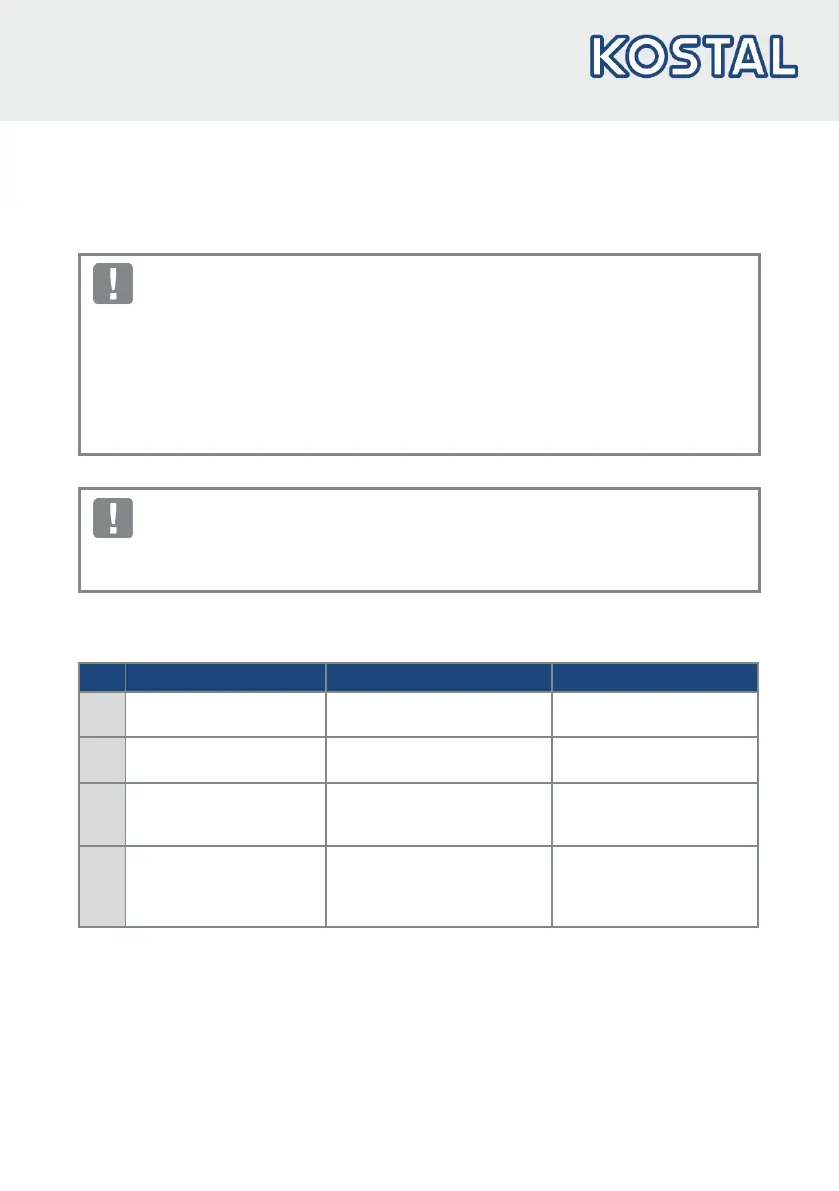
Errors must always be rectified before acknowledgement, otherwise the drive controller may be
damaged.
The following section contains a list of possible error messages.
Please contact the KOSTAL service department if you encounter errors that are not listed here.
No. Error name Description of error Possible causes/remedy
1 Undervoltage 24 V
application
Supply voltage for the
application is less than 15 V
24 V supply overload
2 Overvoltage 24 V
application
Supply voltage for the
application is greater than 31 V
Internal 24 V supply not OK
or external supply not OK.
6 Customer PLC version
error
The version of the customer
PLC doesn't match the device
firmware
Check the version numbers
of the customer PLC and
device firmware
8 Communication
application<>power
Internal communication
between the application plate
and the power-conducting
plate is not OK
EMC interference



 To Next Page