The User Interface
148
O
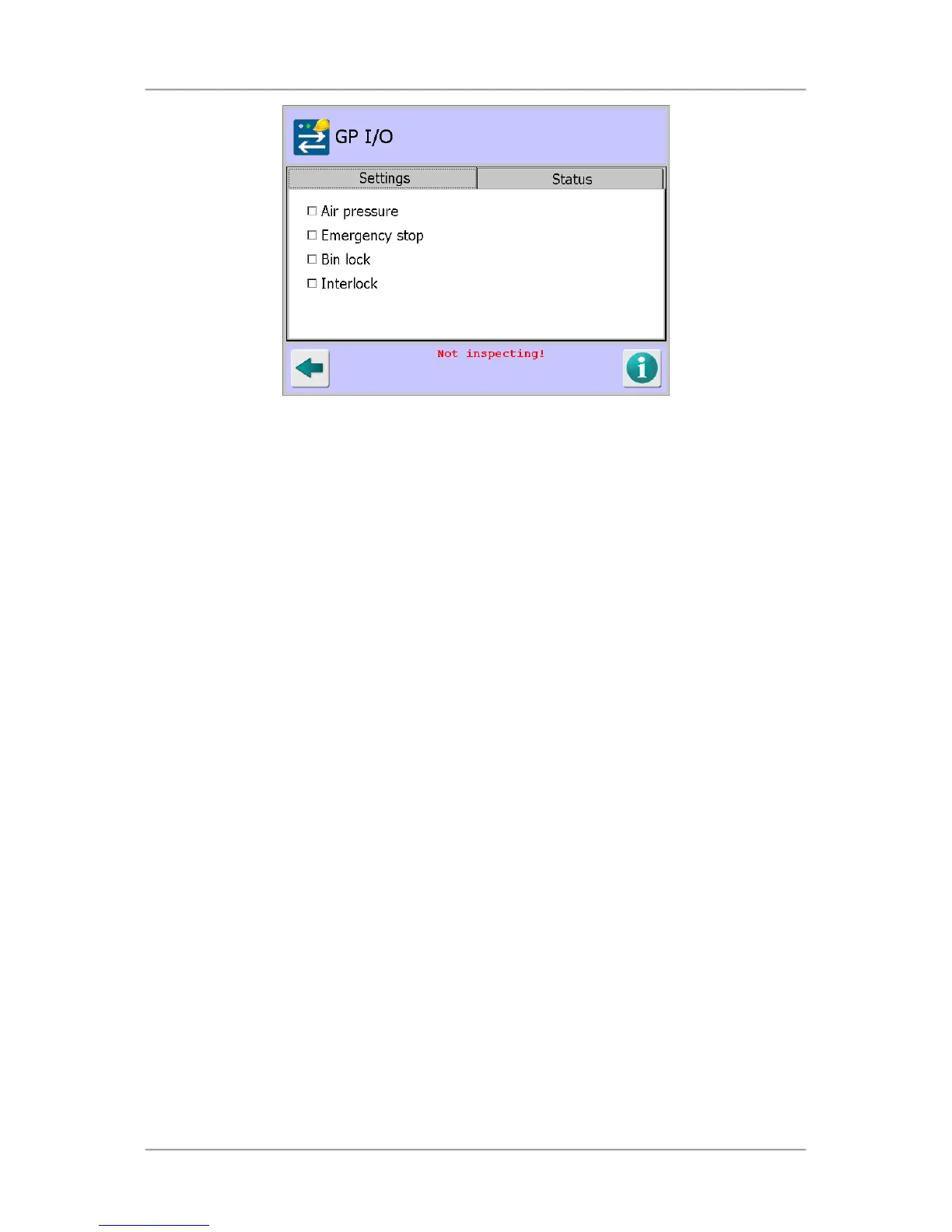
Air pressure
Select this option to monitor the air pressure to the reject device. If the air pressure drops,
the detector may not be able to reject product correctly. If the low air pressure is
continuously triggered for an extended period, the system will go into fault and alert the
operator to the failure. To monitor air pressure, this option must also be enabled in the
Rejects Setup screen.
Tap in the option check box to enable or disable it.
O
Emergency stop
Select this option to monitor an external safety contact and alert the operator when the
emergency stop has been activated.
Tap in the option check box to enable or disable it.
O
Bin lock
Select this option to monitor a lock on the reject bin. When enabled, the reject bin will be
locked during normal operation to prevent unauthorised access to rejected product. This
aims to prevent reject product being accidentally introduced back into production.
The reject bin can be unlocked in the Rejects Setup screen, provided the user has
sufficient access. The bin lock status is not monitored whilst a PV test is in process.
Tap in the option check box to enable or disable it.
O
Interlock
Select this option to monitor any external interlock, such as the product guide used on
Free Fall metal detectors.
■
Status Tab
This tab is used to monitor inputs and outputs on the GP I/O board. Outputs can be toggled by
tapping on the button alongside the relevant output. When the feature associated with the input
or output is not enabled, the text "(Not enabled)" will appear alongside that input or output.



 To Next Page