Chapter 9 IP Routing with Network Address Translation
43
9 IP Routing with Network Address Translation
9.1 Overview
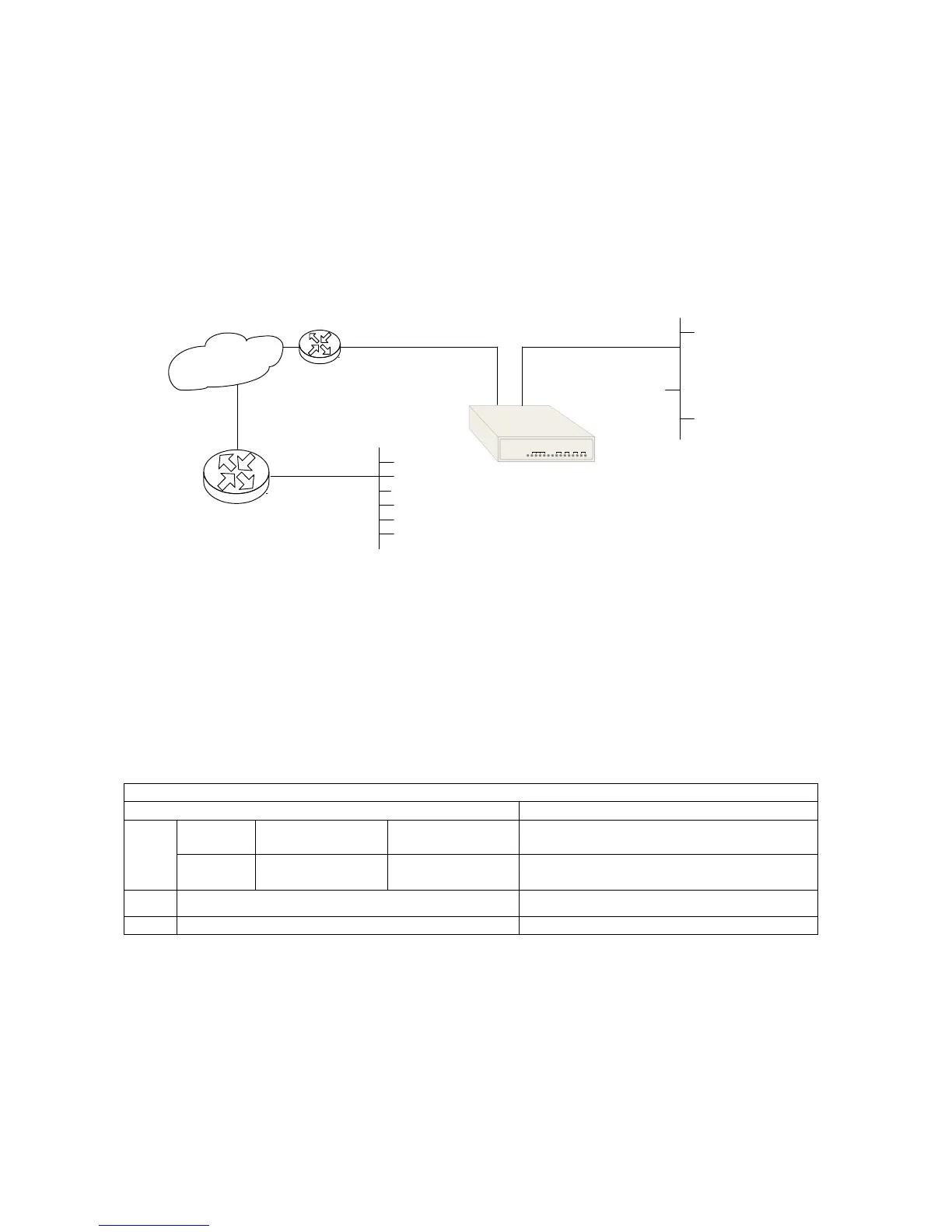
Figure 9-1 below illustrates the Loop-IP6610 being used in Router mode. The IP addresses and gateway
addresses used in the diagram correspond to the sample step by step configuration instructions in Section
9.3.
E1 1 2 3 4
IP Network
IP Router
IP: 160.2.256.253
MASK: 255.255.0.0
Network Address
100.3.0.0
255.255.0.0
Local Network
with Public IP
Address
Loop-IP 6610
LAN 1
with Public IP Address
IP: 192.168.1.1
MASK: 255.255.255.0
E1
(PPP or HDLC)
WAN 1
with Public IP Address
IP: 100.2.254.254
MASK: 255.255.0.0
IP 100.2.254.253
Figure 9-1 Setting Up IP Routing with Network Address Translation
9.2 Routing Admin Commands
To set up the NAT function you will use the commands in Table 9-1 below. Step by step instructions follow
the table.
Table 9-1 Routing Admin Commands
Routing Admin Commands
Parameters Description
lan1/wan1
routing
protocol
rip1, rip2, static
Set LAN1/WAN1 routing protocol. “Static”
disables all routing protocols.
set
nat
setting
nat, napt, off
interface
wan1/pvc1pvc10
Enable/disable NAT function type
add
route Add static route
delete
route Delete static route



 To Next Page