214713 172 Revision A
1010965
A
B
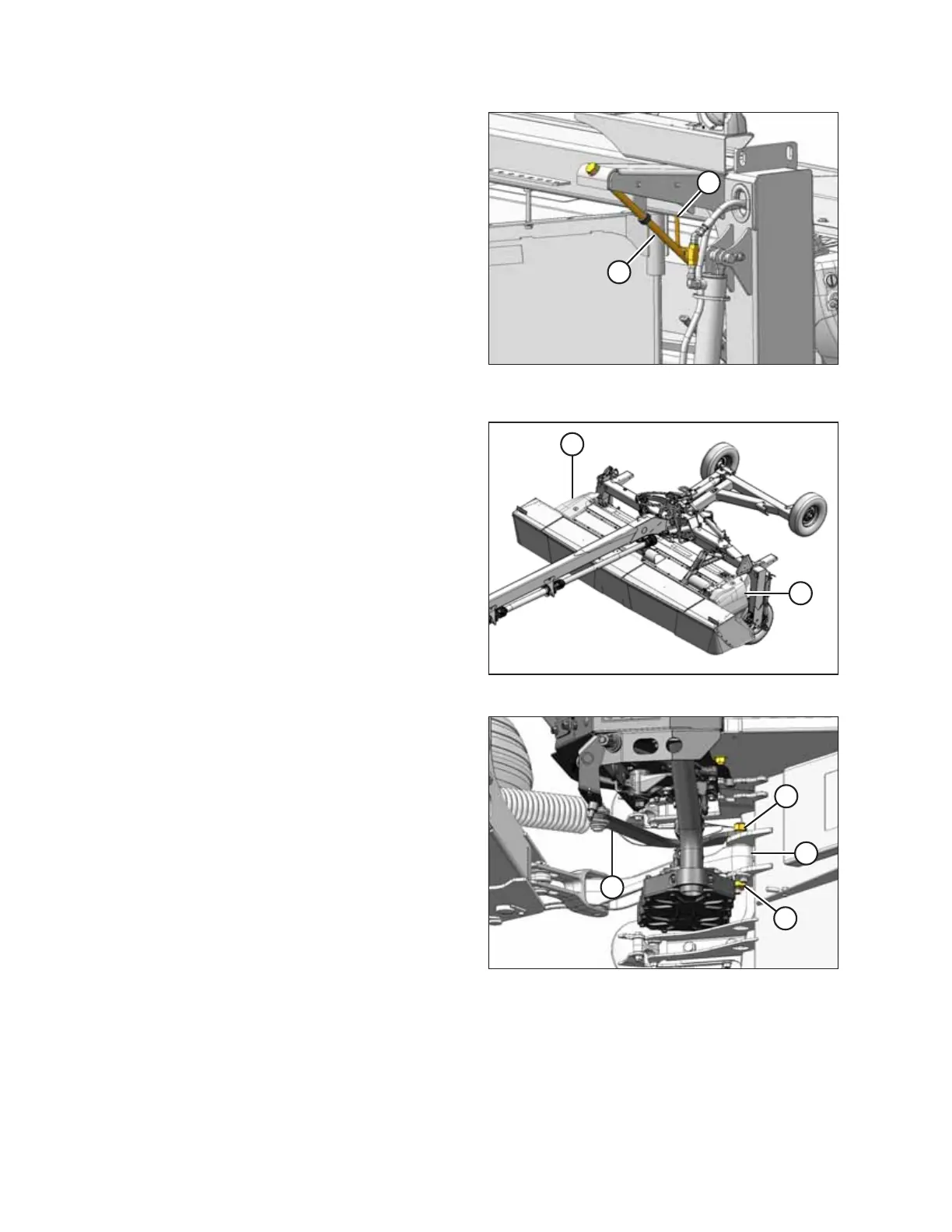
Figure 9.3: Right Side Float Adjuster – Left Side
Similar
7. Open lift cylinder lock-out valves (A) (handle in line with
the hose).
8. Start the engine and fully lower the disc mower.
9. Stop the engine and remove the key from the ignition.
10. Check that float adjuster bolts (B) are loose. Back off
adjuster bolts as required.
11. Remove float adjuster bolt (B) from spring on LEFT side
only. Do NOT allow spring to drop when bolt is removed.
1010960
A
A
Figure 9.4: Driveshields
12. Open left and right driveshields (A). For instructions,
refer to 6.1 Opening Driveshields, page 119.
1010967
A
B
C
D
Figure 9.5: Right Side of Carrier (Top View)
13. On the right side of the disc mower, remove the M20
nut (A), washers, and hex head bolt (B) securing the
carrier leg (C) and float spring arm (D) to the header.
14. Move float spring arm (D) clear of conditioner.
CHANGING THE CONDITIONER





 To Next Page