214713 63 Revision A
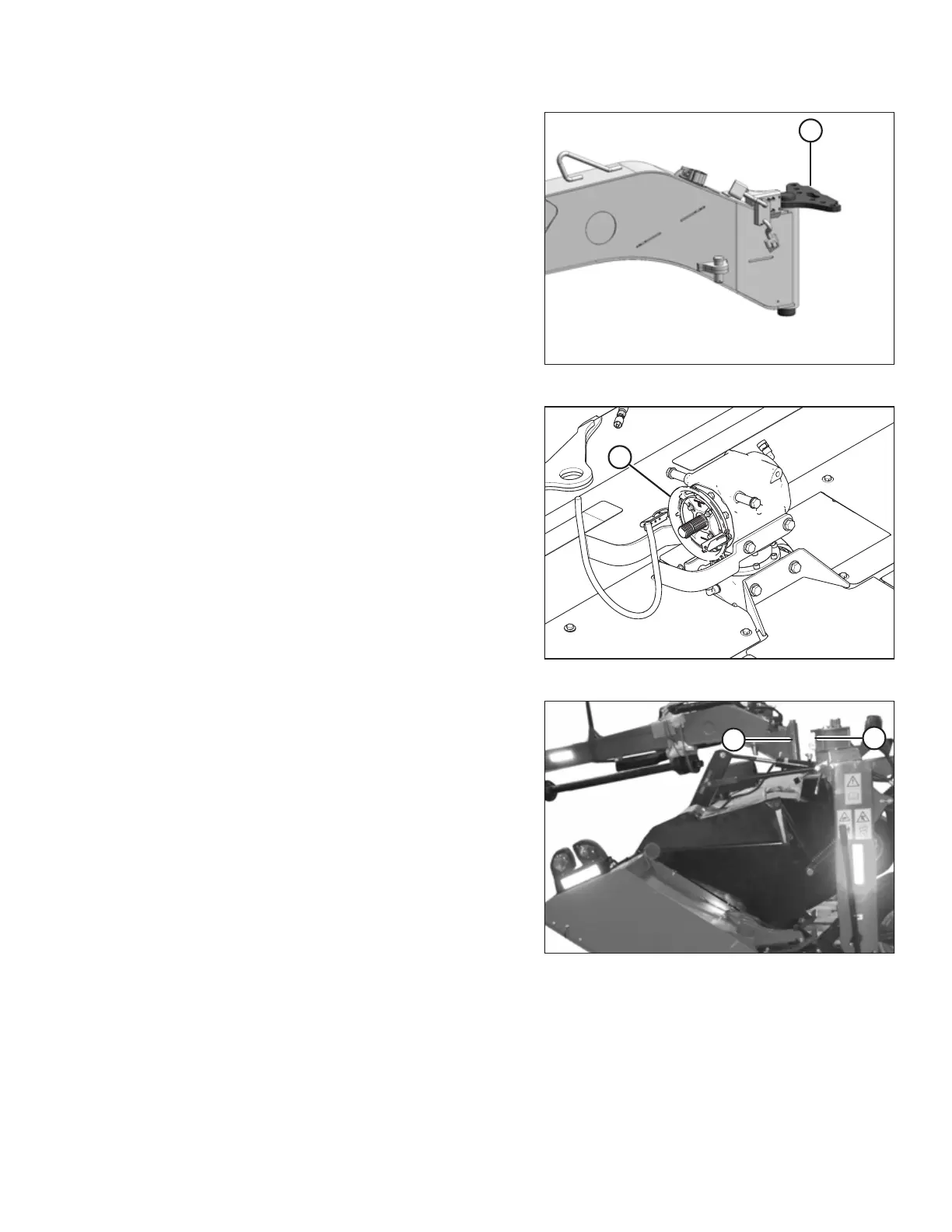
Figure 4.16: Pivot Pin
10. Install hitch pin (A) fully into hitch.
Figure 4.17: Driveline Shield
11. Pivot the gearbox (A) towards the right side of the disc
mower. This will increase the clearance to the driveline
clutch when installing hitch onto carrier frame.
Figure 4.18: Hitch to Carrier
12. Maneuver hitch pivot (A) into attachment location (B) on
carrier and line up pin with hole in carrier.
NOTE:
Align hitch pivot at a slight angle when installing to
prevent the driveline from contacting the header drive
gearbox.
ASSEMBLING THE DISC MOWER (FACTORY-INSTALLED TRANSPORT)





 To Next Page