108 Operator Maintenance
_______________________________________________________________________________________________
________________________________________________________________________________________________
MICROPLEX Operator’s Manual SOLID F90 HD Edition 1.0
Developing unit lock
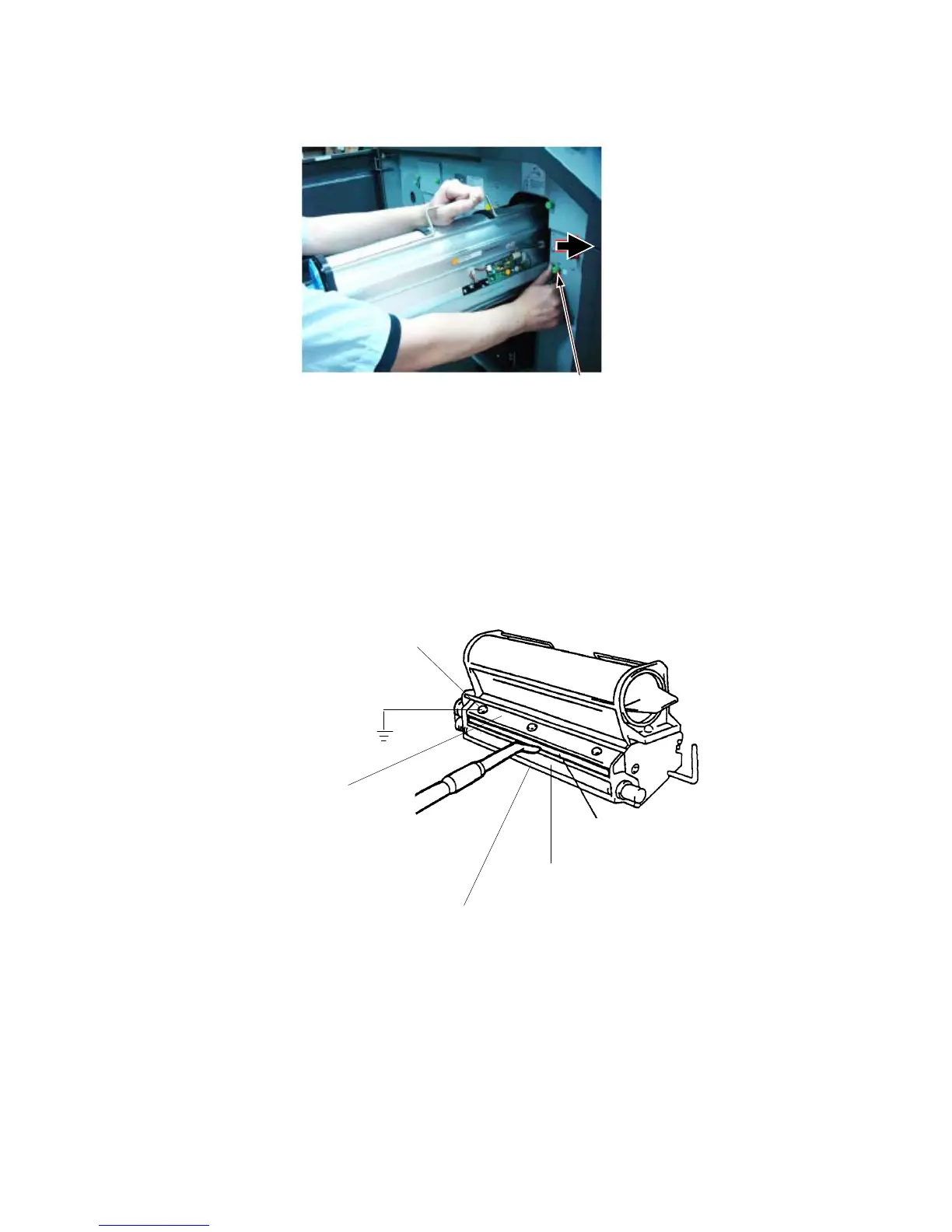
7. For developer unit cl
eaning
make a potential compensation
(grounding) with the printer cabinet. At the developer unit the
grounding has to be
connected
to the back screw of the cover
(see picture below).
Cleaning brush
Developing roller
Sealing welt (plastics)
Cover
Back screw
of the cover
8. Clean carefully the cleaning brush and the sealing welt with
an anti-static service vacuum cleaner and remove also the
toner
from the cover of the developer unit.



 To Next Page