Operator Maintenance 111
_______________________________________________________________________________________________
________________________________________________________________________________________________
MICROPLEX Operator’s Manual SOLID F90 HD Edition 1.0
!
1. Turn off the printer and pull the power plug.
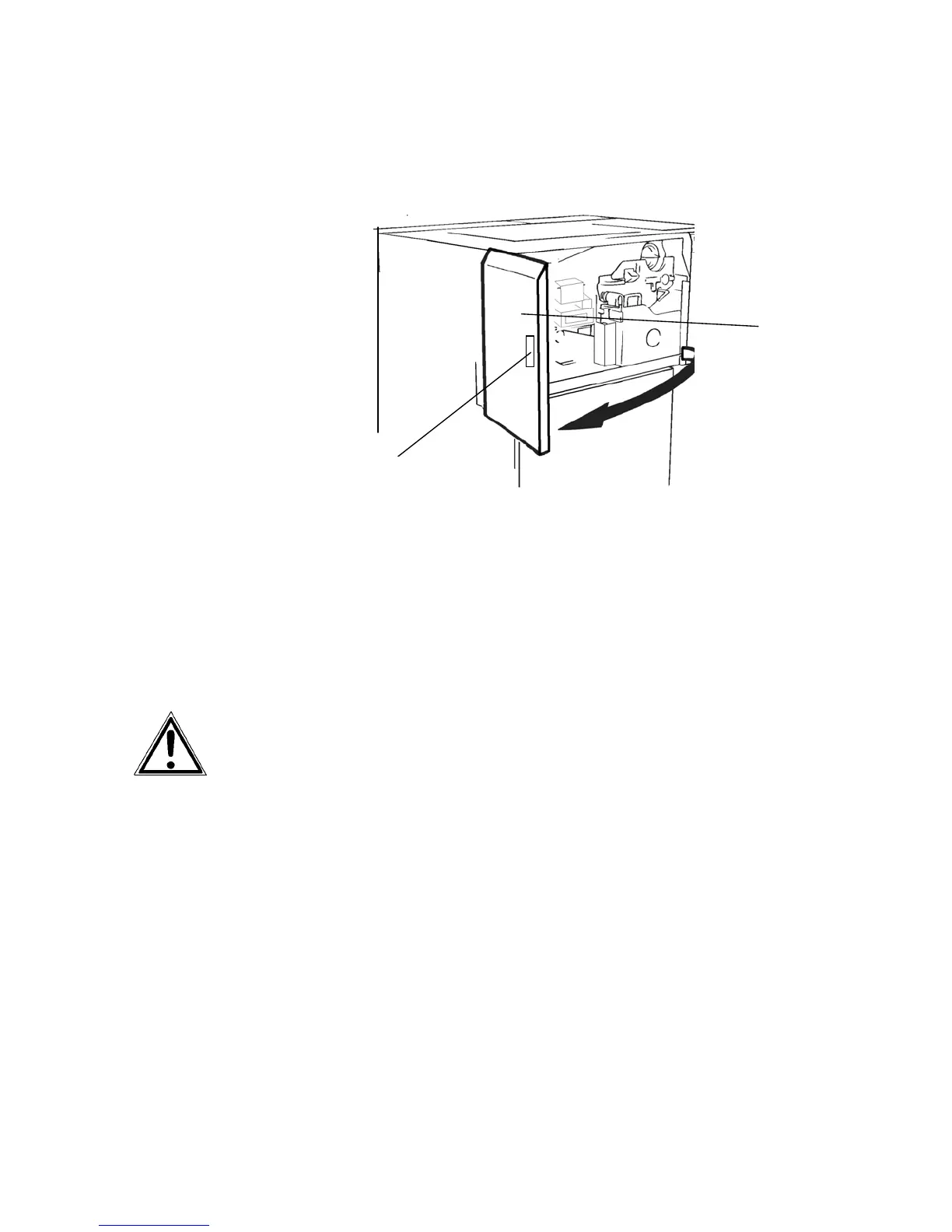
2. Open the front cover of the printer.
Handhold
Fron
cover
3. Remove the developer unit from the printer (see previous
section) and place the unit on a covered level worktop.
Please wear vinyl-gloves to avoid dirty hands.
Please be especially careful when carrying out the following
operations to avoid damaging the sensors.
The toner sensors may be damaged by electrostatic discharge
or changing of the position. Do not touch or move the sensors.
4. Turn to loosen the four screws (B) at the upper inside cover
(C) of the developing unit
and remove t
he cover (see th
e
followin
g
figure).
Reinstall the back fastening screw (B).



 To Next Page