Operator Maintenance 129
_______________________________________________________________________________________________
________________________________________________________________________________________________
MICROPLEX Operator’s Manual SOLID F90 HD Edition 1.0
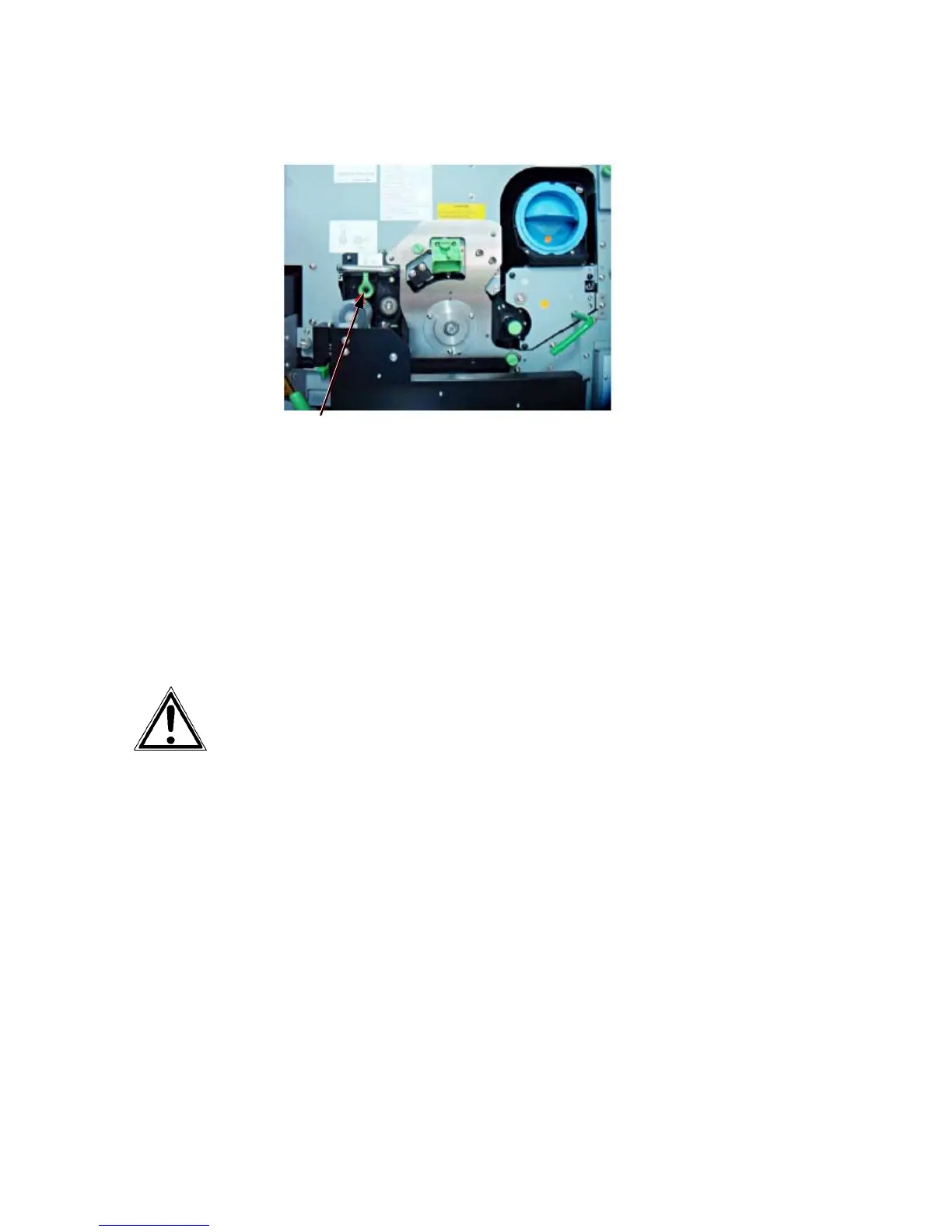
Green lock lever
28. Close the printer’s front cover.
29. Press the “ON LINE” key on the printer’s control panel to clear
t
he error message
.
Now the process of OPC drum initialization is working for a while.
After that the printer will switch to the “READY” status.
Disposal of the old OPC drum will be carried out by your service
engineer. U
ntil disposal please keep the photoreceptor drum in its
original packing.



 To Next Page