159
Kaleido-X
User’s Manual
4 Repeat until you have added logical sources for every stream you wish to monitor.
5 If your system involves a control panel from which you will control your multiviewer as
a router, then configure source numbers for the KX Router logical router, by typing the
appropriate numbers in the first column (#) under Source info, and using the
incremental copy tool as needed.
6On the File menu, click Save.
Managing Logical Sources Associated with Programs in a Transport Stream
In the case of a Kaleido-IP system, you may need to add or remove sources, from time to
time, when programs are added or removed from a transport stream.
Adding Logical Sources for New Programs in a Transport Stream
To add a logical source for a new program in a transport stream
1 Connect XEdit to the Kaleido-IP (see Using XEdit Online, on page 67), and then click the
Channels/Sources tab.
2In the Tools pane, navigate to the transport stream that includes the new program.
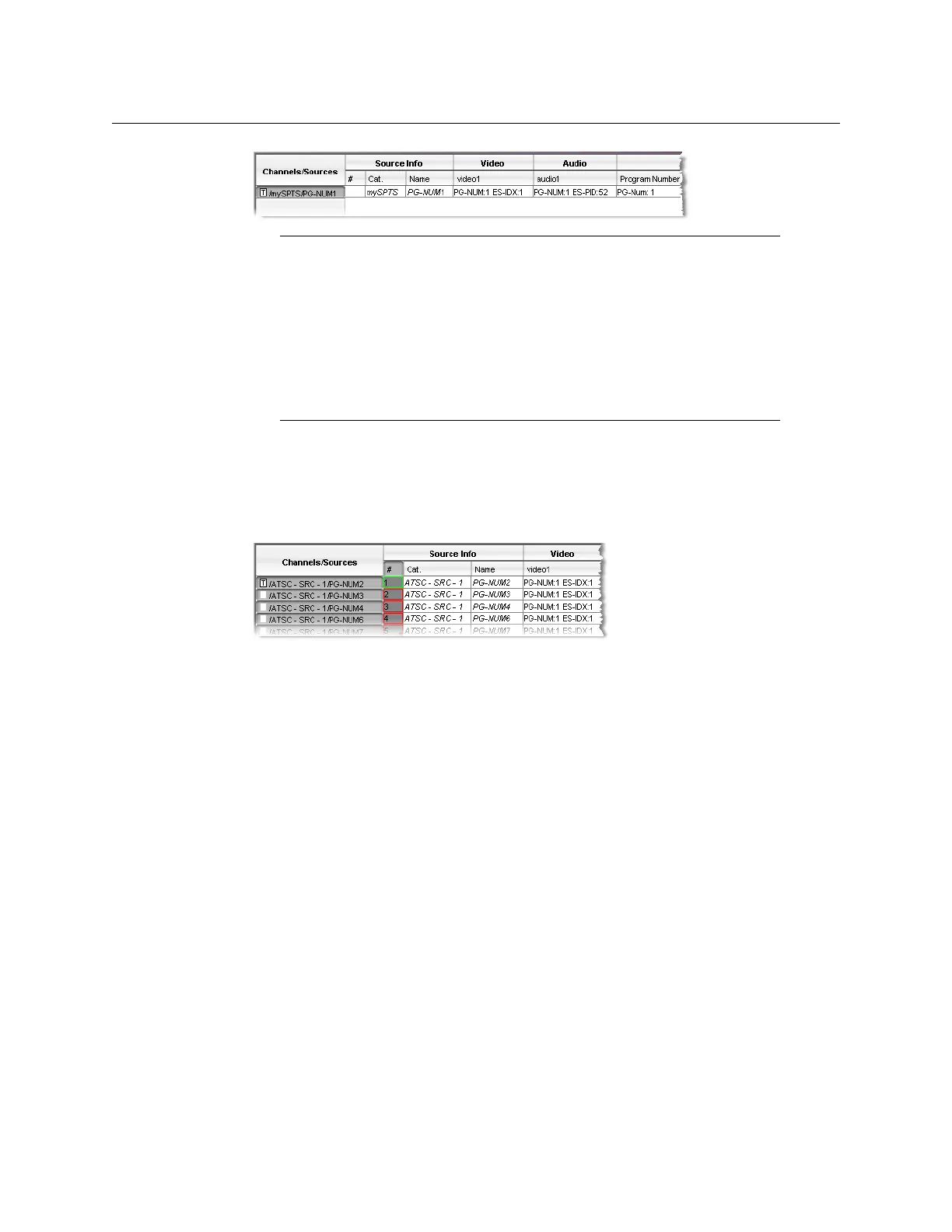
3 Right-click the program, and then click Create logical sources on the menu.
Notes
•Under Source info, dynamic and static names resulting from the Name
level assignments are limited to 48 characters and automatically
truncated as needed.
• In the case of a Kaleido-IP system, do not select Activate automatic
sources creation.
• If the case of router sources, if the router is subject to frequent dimension
changes, then you may want to select Activate automatic sources
creation.



 To Next Page