168
Logical Sources
Creating and Configuring Logical Sources
In the selected cell, the prefix “EXT” indicates that the assignment is from an external
source and is followed with information such as the device class and a name.
4On the File menu, click Save.
The sources table is saved.
Making Further Assignments by Incremental Copy
Once done with a first logical source, if the next logical source is to be similar to the first
one, it is possible to use incremental copy to automatically create it. Alternatively, if only
one or a few specific levels are to be similarly configured, it is possible to use incremental
copy on the corresponding level column only.
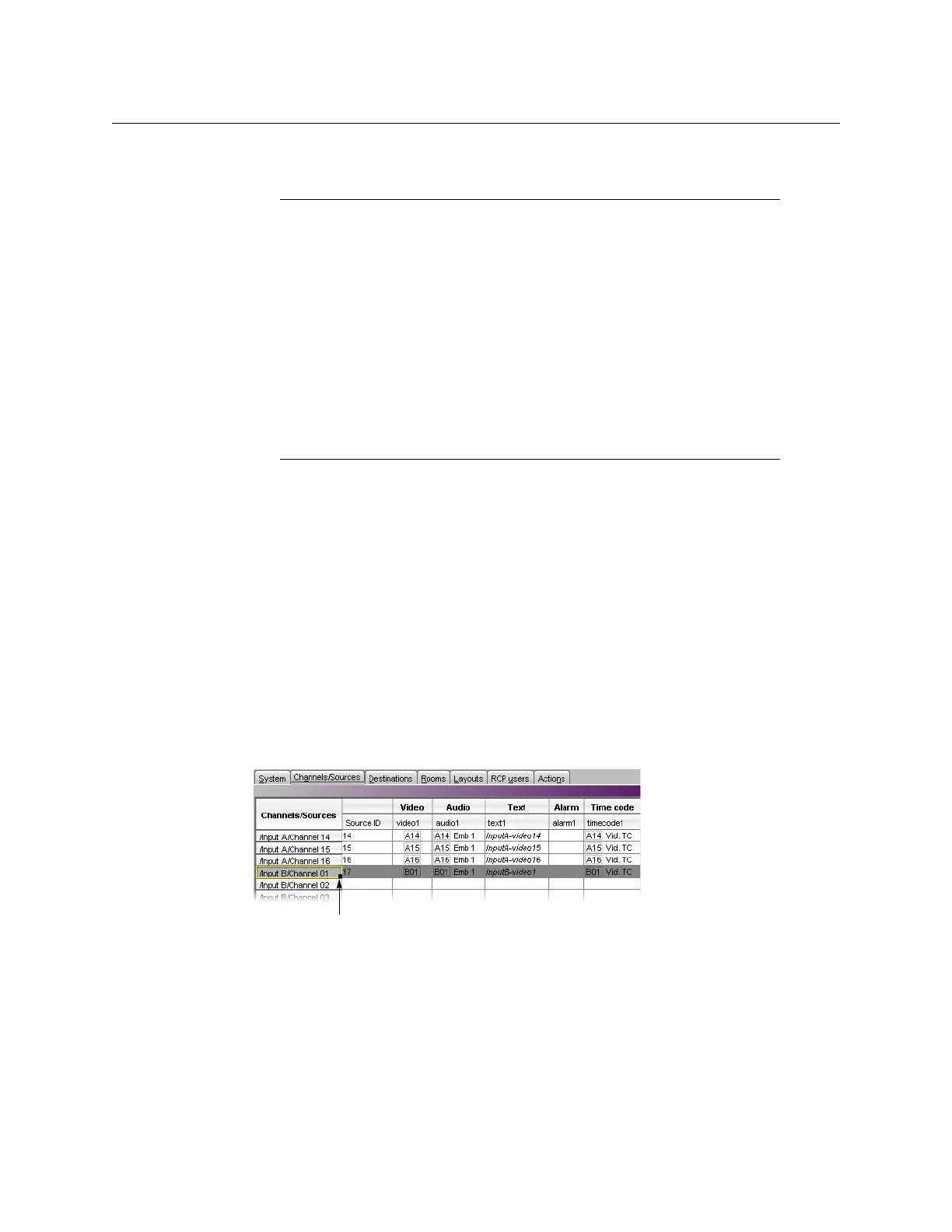
To use the incremental copy tool to propagate physical assignments to adjacent logical
sources
1 Click the row header for the logical source whose assignments you wish to propagate.
A small square, the incremental copy handle, appears in the bottom right corner of the
header cell.
2 Move the pointer to the incremental copy handle. The pointer changes to crosshairs.
Notes
• You can select multiple elements in the GSM alarm browser (by pressing
Shift+click or Ctrl+click as needed) and assign them to consecutive logical
sources at once, by dragging the multiple selection to the appropriate
level for the first logical source you wish to configure. The elements are
inserted in the same order you selected them.
• Drag an alarm folder to an alarm level to monitor the folder’s status.
Dragging an alarm folder to a text level is not supported.
• GSM alarms are not available as triggers for background actions (see
Creating Background Actions, on page 270).
• Incremental copy is not supported in the case of assignments from
external providers (see
Making Further Assignments by Incremental Copy,
below).



 To Next Page