256
Creating Layouts
Working with Composite Monitors
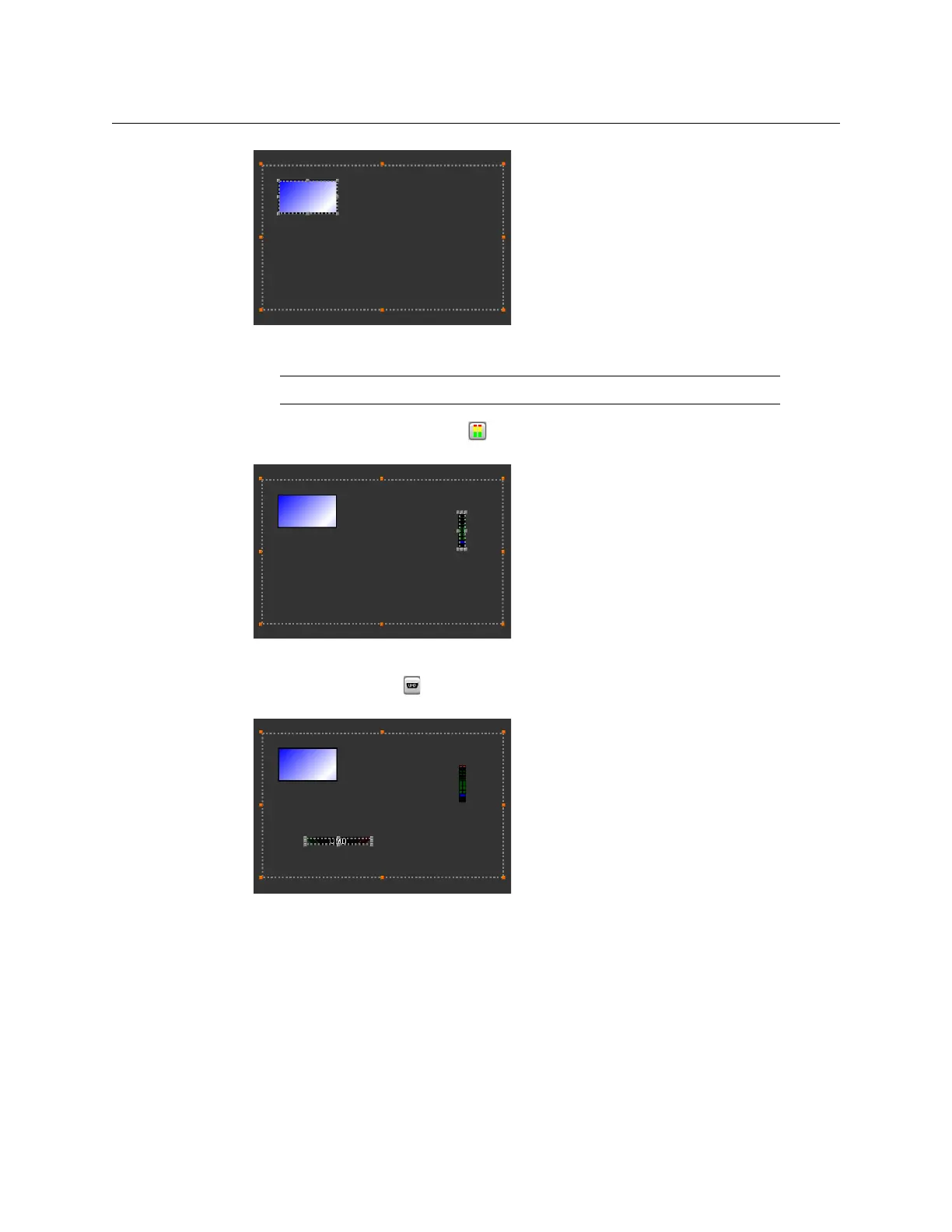
Video monitor within unlocked composite
5 Click the Audio monitor button on the toolbar, and then click inside the composite
to add an audio level meter.
Audio level meter within unlocked composite
6 Click the UMD button on the toolbar, and then click inside the composite to add a
UMD.
UMD within unlocked composite
7 Move the audio level meter to the very edge of the composite, using the mouse and
then finishing with the arrow keys, and resize it as appropriate.
Note: Only primary monitors (not composite) can be part of a composite.



 To Next Page