420
Administration and Servicing
Installing XEdit
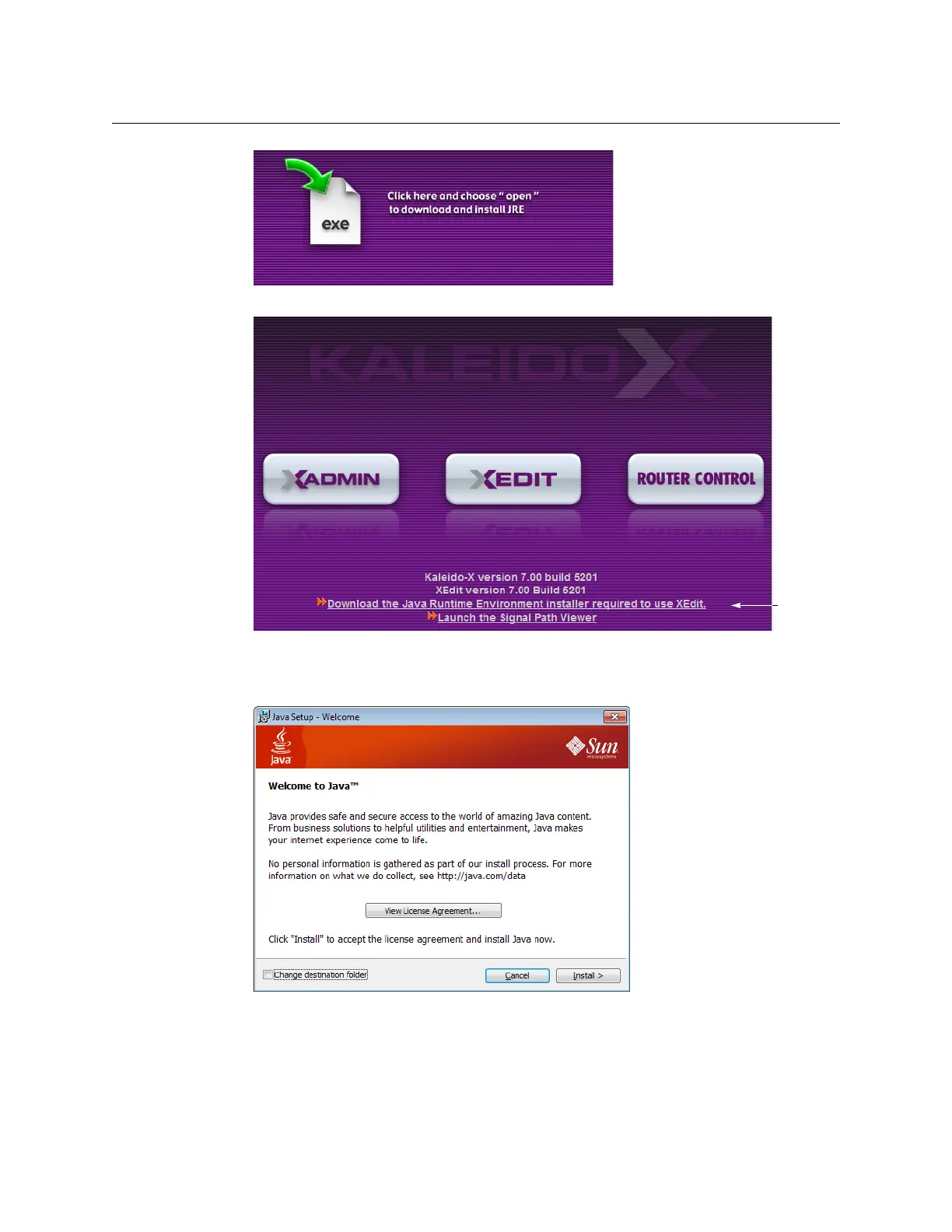
Alternatively, click the link at the bottom of the Kaleido-X home page.
2 If security warnings appear, before downloading or before opening the installer file,
then click Run.
Java Setup prompts you to accept the license agreement.
3 Review the license agreement if you wish, and then click Install to proceed.
Java Setup will update your PC or laptop.
4Click Close once the installation has completed.



 To Next Page