7 Functions and settings
© Maschinenfabrik Reinhausen 2012 2117246/02 EN TAPCON® 230 basic 137
If 2 inputs are assigned the same functionality (e.g. activate desired value 2),
the device produces an event message (page 159). This also applies if you
assign the same functionality via a static input
(e. g. GPI 1 = "Desired value2") and via a pulsed input
(e. g.GPI 2 = "P: SW 2").
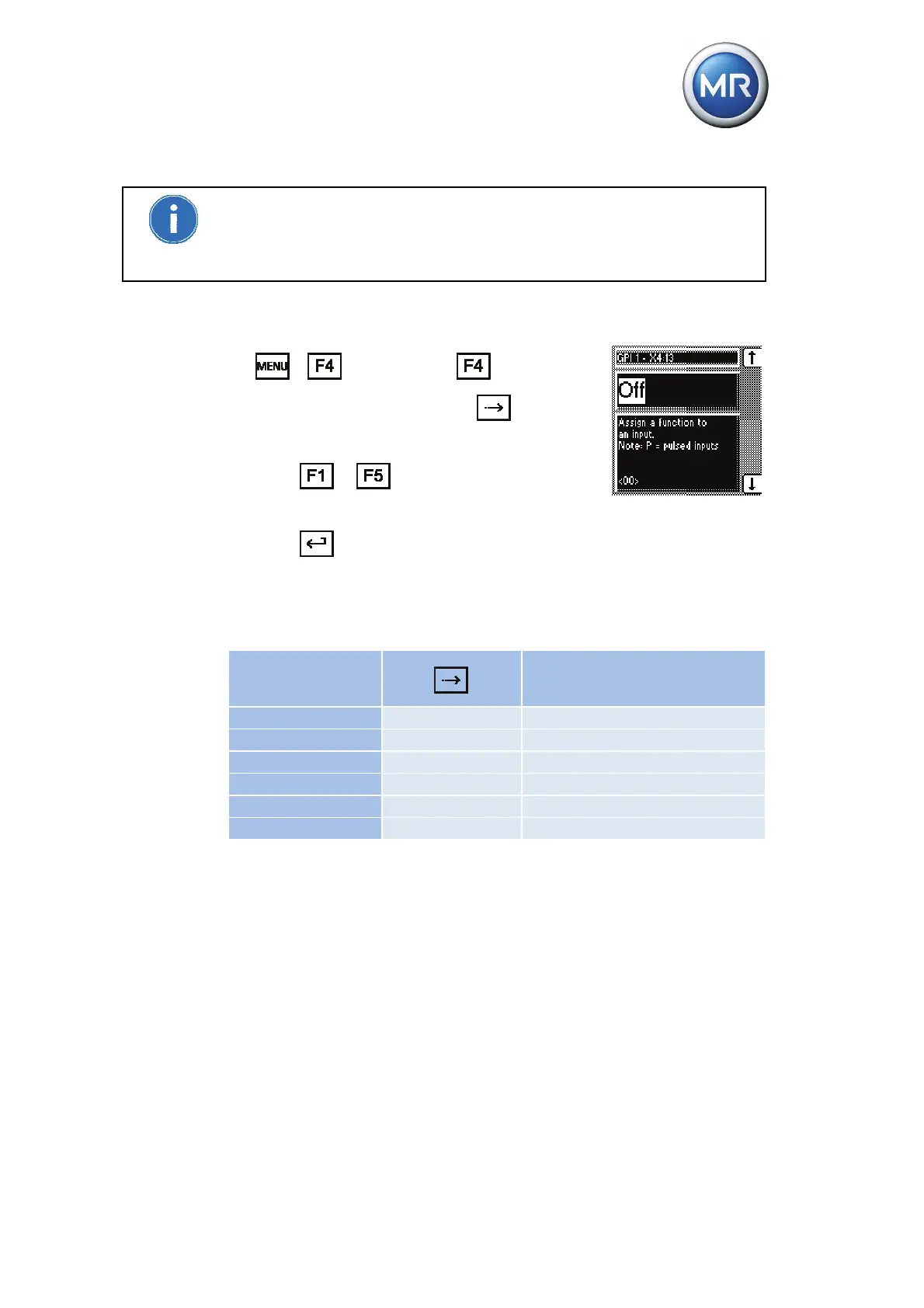
To assign a function to digital input GPI 1 (on X4:13) or to deactivate it, pro-
ceed as follows (example: GPI 1 - X4:13):
1. > Configuration > User I/Os
(for GPIs 2...6 see table, press
).
<00> GPI 1 - X4:13.
2. Press
or repeatedly until the de-
sired function appears.
3. Press
.
The function is set.
Functions can be assigned to all other GPIs as described above. You can se-
lect the GPIs as follows:
GPI
Press
Page number in the display
GPI1 - X4:13 - <00>
GPI2 - X4:14 1x <01>
GPI3 - X4:15 2x <02>
GPI4 - X4:16 3x <03>
GPI5 - X4:17 4x <04>
GPI6 - X4:18 5x <05>
Table 41 Configurable GPIs



 To Next Page