55
Basic Photography and Playback
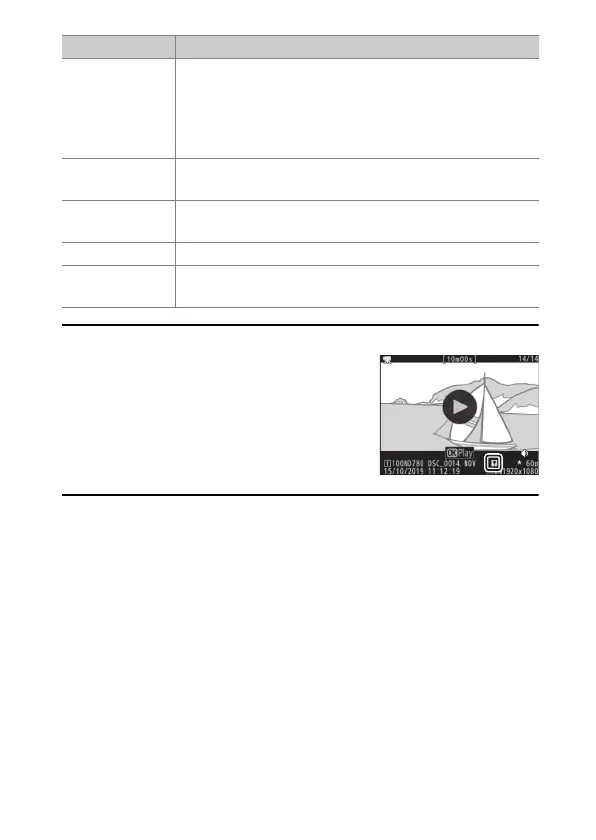
A
Indices
Indices can be added when playback is paused
by pressing the
i
button and selecting [Add
index]. You can quickly jump to indexed
locations during playback and editing. The
presence of indices is indicated by a
p
icon in
the full-frame playback display.
Skip to index
If the movie contains indices, rotating the sub-
command dial takes you to the next or previous index.
•
Indices can be added or removed from the [EDIT
MOVIE] menu, which can be displayed by pausing
playback and pressing the
i
button.
Adjust volume
Press
X
(
T
) to increase volume,
W
(
Y
) to
decrease.
Trim movie
To display the [EDIT MOVIE] menu, pause playback
and press the
i
button.
Exit Press
1
or
K
to exit to full-frame playback.
Exit to
shooting mode
Press the shutter-release button halfway to exit
playback and return to shooting mode.
To Description



 To Next Page