119
Shooting Settings
Using Special Effects Modes
❚❚
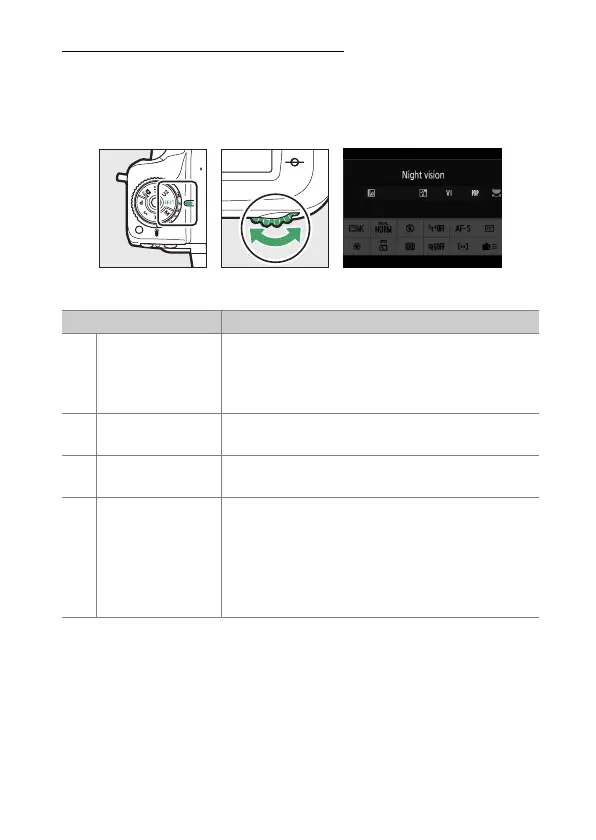
Choosing an Effect
To choose an effect, rotate the mode dial to EFCT and then
rotate the main command dial to choose the desired option.
❚❚
Special Effects
Option Description
j
[Night vision]
Use under conditions of darkness to record
monochrome images at high ISO sensitivities.
•
Manual focus can be used if the camera is
unable to focus.
f
[Super vivid]
Overall saturation and contrast are increased for
a more vibrant image.
d
[Pop]
Overall saturation is increased for a more lively
image.
e
[Photo
illustration]
Sharpen outlines and simplify coloring for a
poster effect.
•
e
([Photo illustration]) effects can be
adjusted in live view (
0
122).
•
Movies shot in this mode play back like a slide
show made up of a series of stills.



 To Next Page