122
Shooting Settings
❚❚
Adjusting
e
(Photo Illustration) Settings
When
e
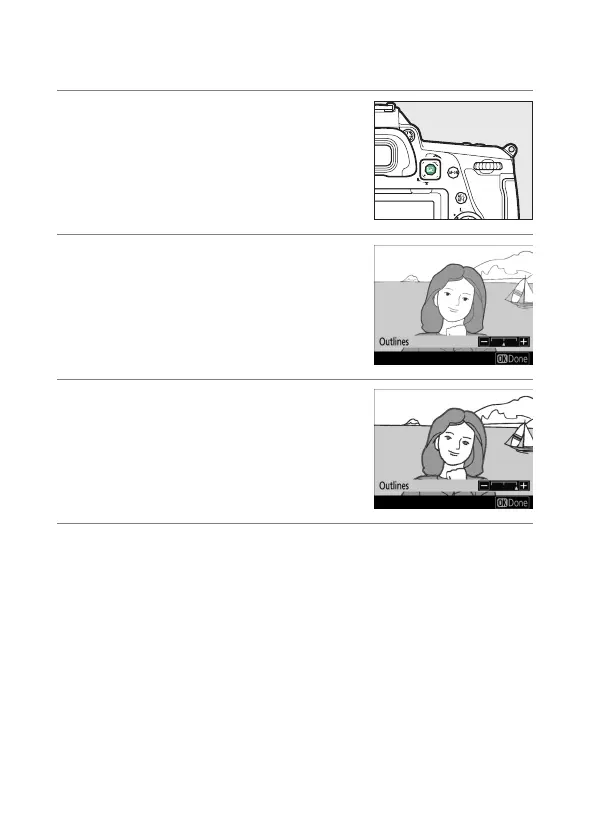
is selected, the effect can be adjusted in live view:
1
Press the
a
button.
The view through the lens will be
displayed in the monitor.
2
Press
J
.
Photo illustration options will be
displayed.
3
Adjust outline thickness.
Press
4
to thin outlines or
2
to make
them thicker.
4
Press
J
.
Press
J
to save changes; the selected effect will be applied
during shooting.



 To Next Page