687
Menu Guide >
B
The Setup Menu
Adjust settings for use when the camera is connected to a
device that provides location data, namely a GPS receiver or a
smart device running the SnapBridge app. For more
information on SnapBridge, see the app’s online help.
Location Data
G
button
U
B
setup menu
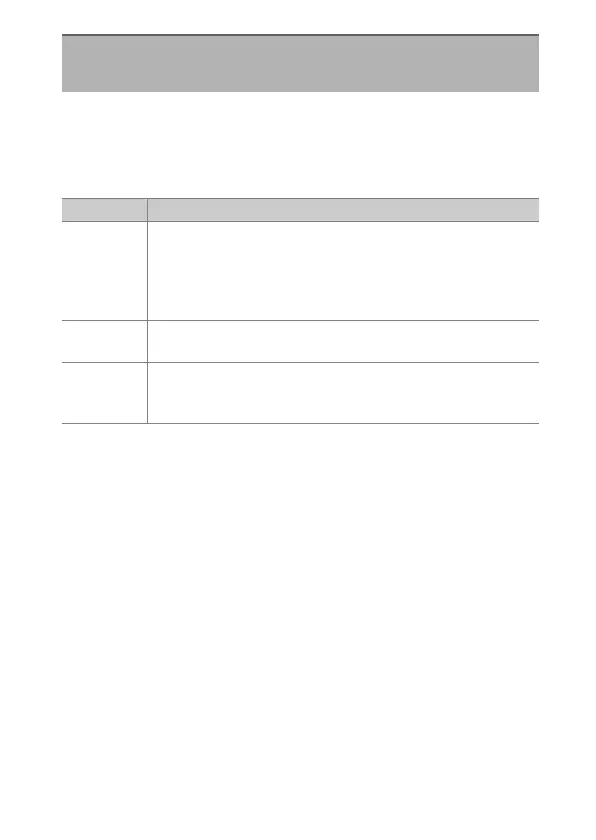
Option Description
[Standby
timer]
If [Enable] is selected when a GPS receiver is connected,
the exposure meters will turn off automatically if no
operations are performed for the period specified using
Custom Setting c2 [Standby timer]. The drain on the
battery is reduced.
[Position]
View the location data supplied by the GPS receiver or
smart device. The items displayed vary with the source.
[Set clock
from
satellite]
Select [Yes] to synchronize the camera clock with the time
reported by the GPS device.



 To Next Page