358
Playback
Using the Touch Screen
During playback, the touch sensitive monitor can be used for
the following operations.
❚❚
Viewing Other Pictures
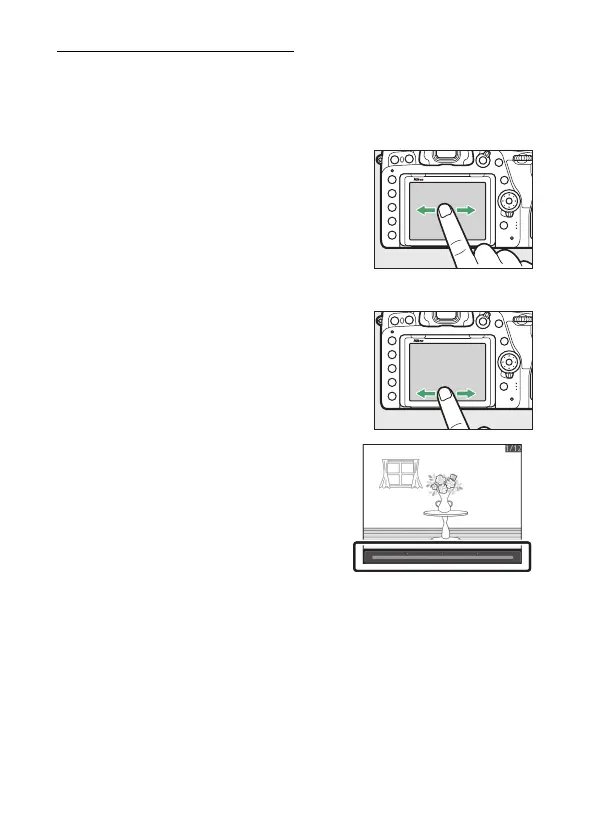
Flick left or right to view other pictures.
❚❚
Scrolling Rapidly to Other Pictures
In full frame playback, you can touch the
bottom of the display to display a frame
advance bar, then slide your finger left or
right to scroll rapidly to other pictures.



 To Next Page