303
Other Shooting Options
Interval-Timer Photography
1
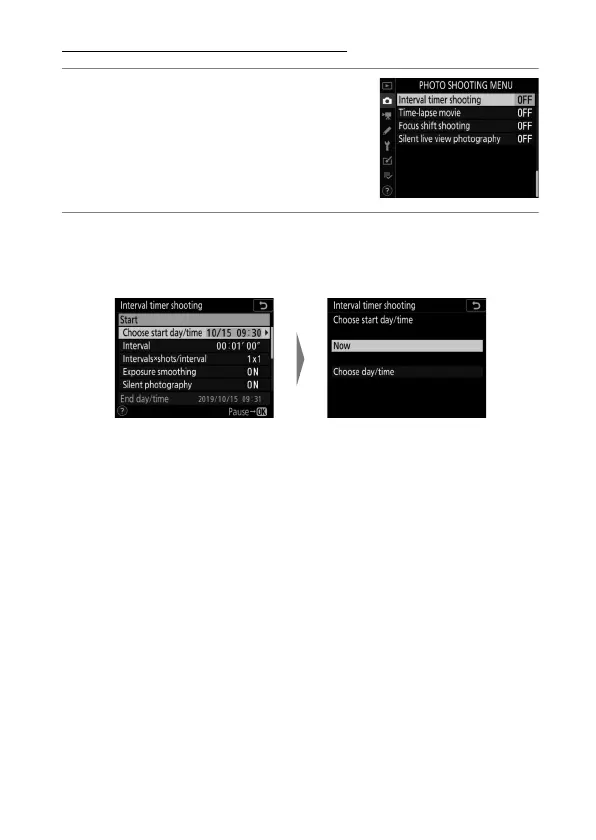
Highlight [Interval timer
shooting] in the photo
shooting menu and press
2
.
2
Adjust interval timer settings.
Adjust interval timer settings as described below.
•
To choose a start day and time:
- To start shooting immediately, select [Now]. To start
shooting at a chosen date and time, select [Choose day/
time], then choose the date and time and press
J
.
Highlight [Choose start day/
time] and press
2
.
Highlight an option and
press
J
.



 To Next Page