656
Menu Guide >
B
The Setup Menu
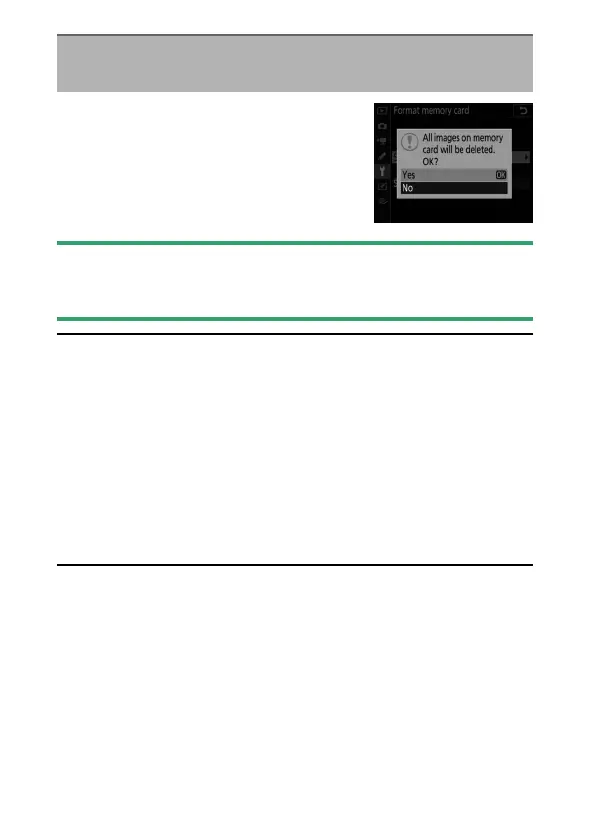
Format memory cards. To begin
formatting, choose a memory card slot
and select [Yes]. Note that formatting
permanently deletes all pictures and other
data on the card. Before formatting, be
sure to make backup copies as required.
D
During Formatting
Do not turn the camera off or remove memory cards until the message
[Formatting memory card.] clears from the display.
A
Two-Button Format
•
Press and hold the
O
(
Q
) and
S
(
Q
) buttons simultaneously for over
two seconds until
C
starts to flash in the control panel and
viewfinder and a flashing memory card indicator appears in the control
panel; you can then press the two buttons (
O
/
Q
and
S
/
Q
) again to
format the current memory card.
•
If two memory cards are inserted, the flashing indicator will show the
card selected for formatting. To select a different card, rotate the main
command dial while the
C
indicator is flashing.
•
Do not turn the camera off or remove the battery or memory card
during formatting.
Format Memory Card
G
button
U
B
setup menu



 To Next Page