355
Playback
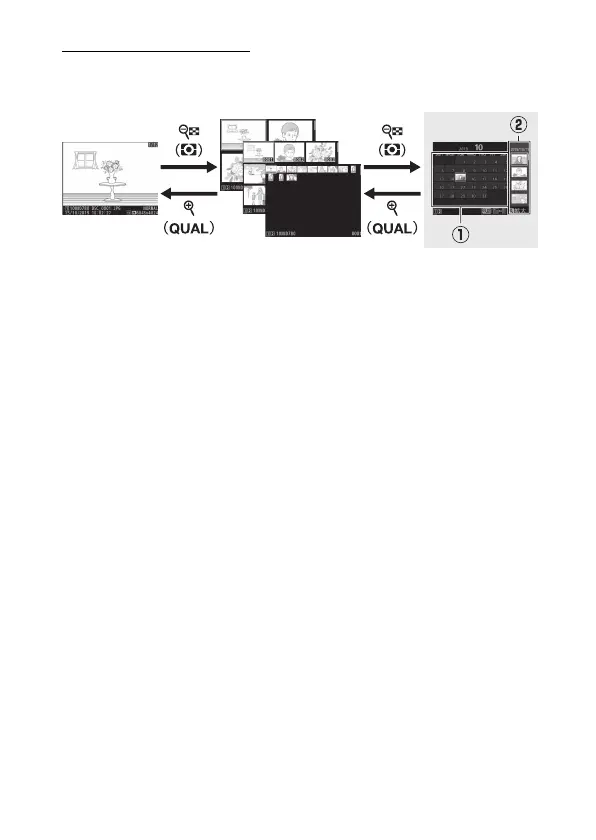
Calendar Playback
To view images taken on a selected date, press the
W
(
Y
)
button when 72 images are displayed.
•
Use the multi selector (
1
,
3
,
4
, or
2
) to highlight a date in
the date list (
q
) and press
W
(
Y
) to place the cursor in the
thumbnail list (
w
). Press
1
or
3
to highlight pictures in the
thumbnail list. To return to the date list, press the
W
(
Y
)
button a second time.
•
To zoom in on the picture highlighted in the thumbnail list,
press and hold the
X
(
T
) button.
•
To exit to thumbnail playback, press
X
(
T
) when the cursor
is in the date list.



 To Next Page