343
Other Shooting Options
Create positive copies of color or black-and-white film
negatives. [Negative Digitizer] is accessed via the
i
menu
during live view photography.
1
Position the negatives in front of a featureless
white or gray background.
•
We recommend using an AF-S Micro NIKKOR 60mm f/2.8G
ED or other micro lens and an ES-2 film digitizing adapter.
•
We recommend using either natural light or an artificial
light source with a high Ra (color rendering index), such as
a light box or a high-CRI fluorescent lamp.
2
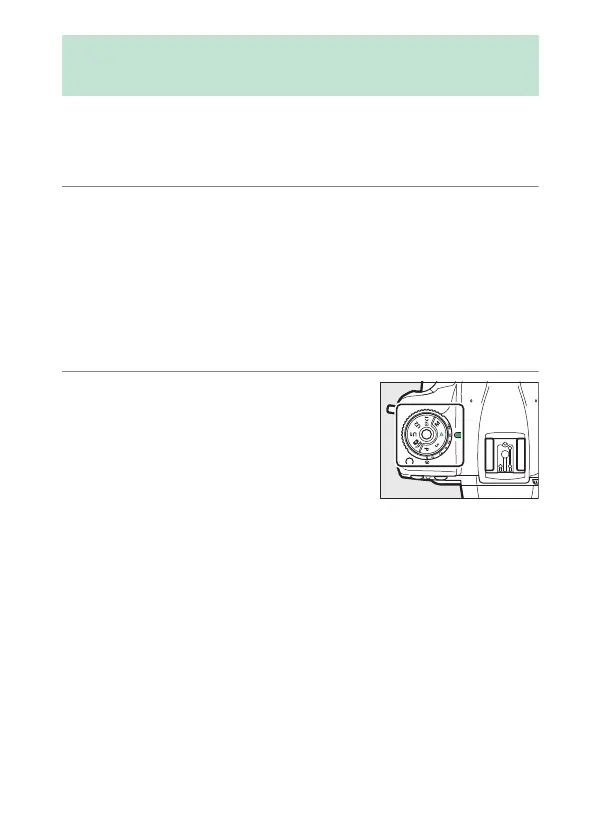
Rotate the mode dial to A.
We recommend that you choose a
sensitivity of ISO 100 and an aperture
of f/8.
Photographing Film Negatives
(Negative Digitizer)



 To Next Page