225
Shooting Settings
Bracketing
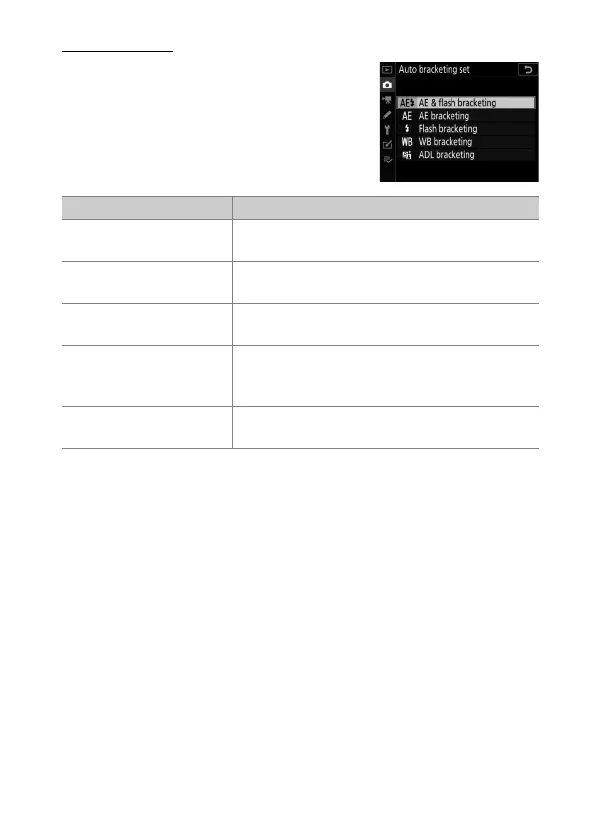
Bracketing is adjusted using the [Auto
bracketing] > [Auto bracketing set]
item in the photo shooting menu, which
contains the following options:
Option Description
[AE & flash bracketing]
The camera varies exposure and flash level
over a series of photographs.
[AE bracketing]
The camera varies exposure over a series of
photographs.
[Flash bracketing]
The camera varies flash level over a series of
photographs.
[WB bracketing]
The camera creates multiple copies of each
photograph, each with a different white
balance (
0
195).
[ADL bracketing]
The camera varies Active D-Lighting over a
series of photographs (
0
254).



 To Next Page