713
Menu Guide >
N
The Retouch Menu
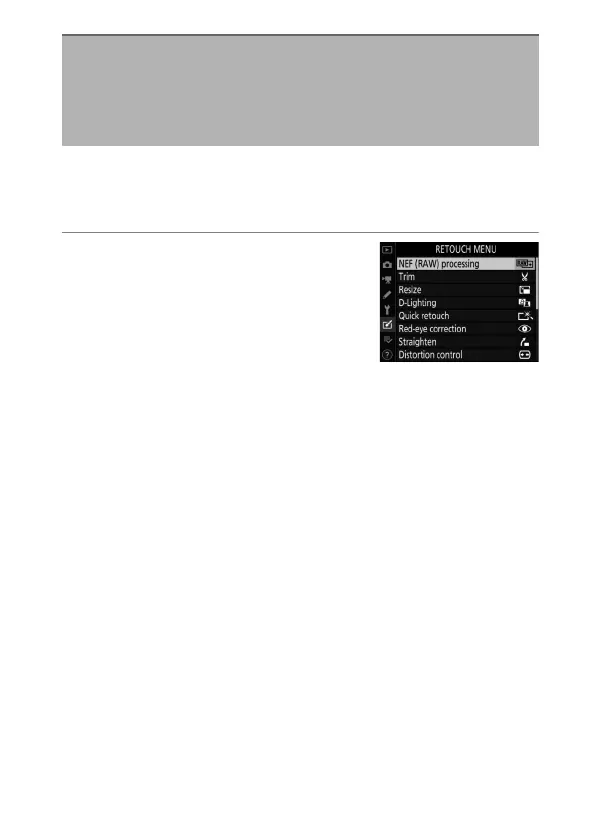
“NEF (RAW) processing” is used to save NEF (RAW) photos in
other formats, such as JPEG. JPEG copies of NEF (RAW) photos
can be created on the camera as described below.
1
Select [NEF (RAW) processing]
in the retouch menu.
Highlight [NEF (RAW) processing]
and press
2
.
NEF (RAW) Processing: Creating JPEG
Copies of NEF (RAW) Images Without a
Computer
G
button
U
N
retouch menu



 To Next Page