277
Options for Movie Recording and Editing
Saving Selected Frames
To save a copy of a selected frame as a JPEG still:
1
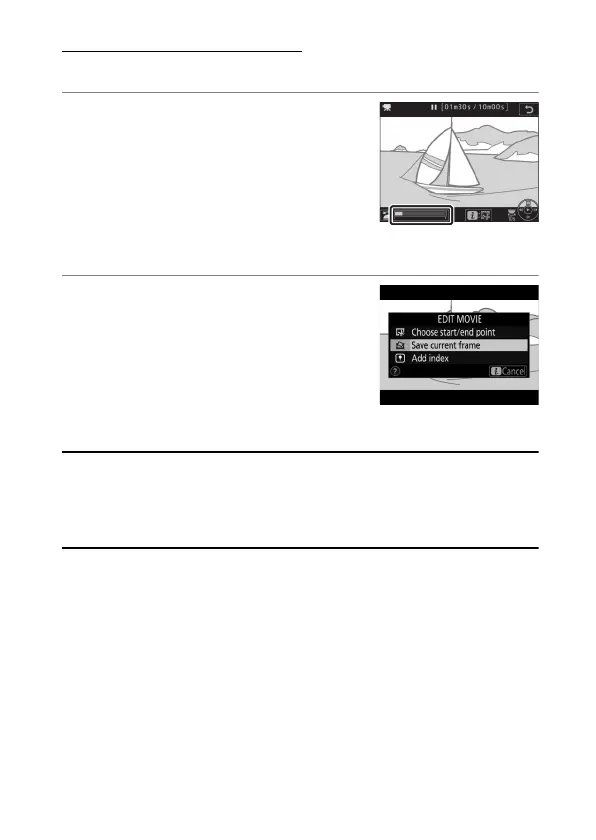
Pause the movie on the desired
frame.
Play the movie back as described in
“Viewing Movies” (
0
53), pressing
J
to start and resume playback and
3
to pause. Pause the movie at the
frame you intend to copy.
2
Choose [Save current frame].
Press the
i
button, then highlight
[Save current frame] and press
J
to
create a JPEG copy of the current
frame. The image will be recorded at
the dimensions selected for [Frame
size/frame rate] in the movie shooting menu.
A
Save Current Frame
JPEG movie stills created using [Save current frame] cannot be
retouched. JPEG movie stills lack some categories of photo information
(
0
366).



 To Next Page