226
Shooting Settings
Exposure and Flash Bracketing
Vary exposure and/or flash level over a series of photographs.
To perform exposure and/or flash bracketing:
1
Choose the number of shots and exposure
increment.
•
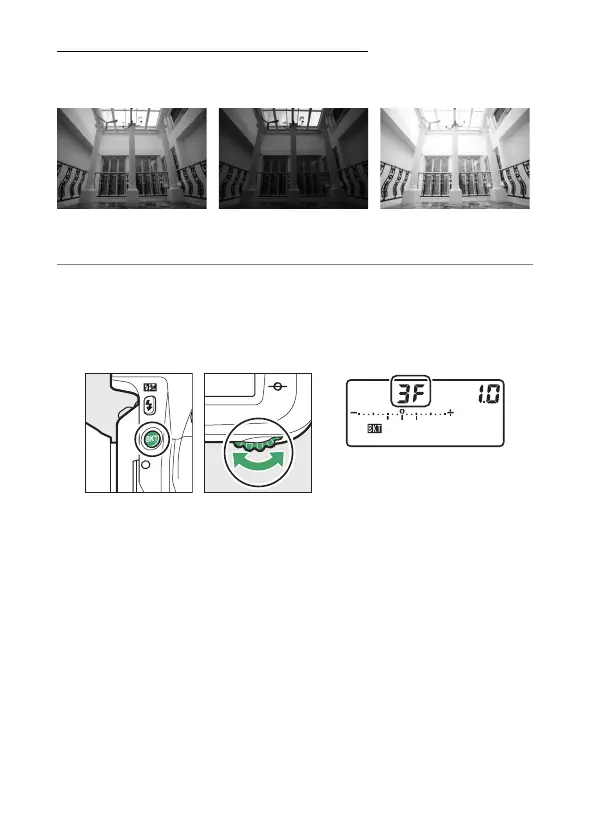
Pressing the BKT button, rotate the main command dial to
choose the number of shots in the bracketing sequence.
Exposure modified by:
0 EV
Exposure modified by:
–1 EV
Exposure modified by:
+1 EV



 To Next Page