137
Shooting Settings
Choosing an Image Size
Choose a size for new JPEG pictures. The size for JPEG pictures
can be selected from [Large], [Medium], and [Small]. The
number of pixels in the image varies with the option selected
for image area (
0
129).
* Approximate size when printed at 300 dpi. Print size in inches equals
image size in pixels divided by printer resolution in dots per inch (dpi;
1 inch = approximately 2.54 cm).
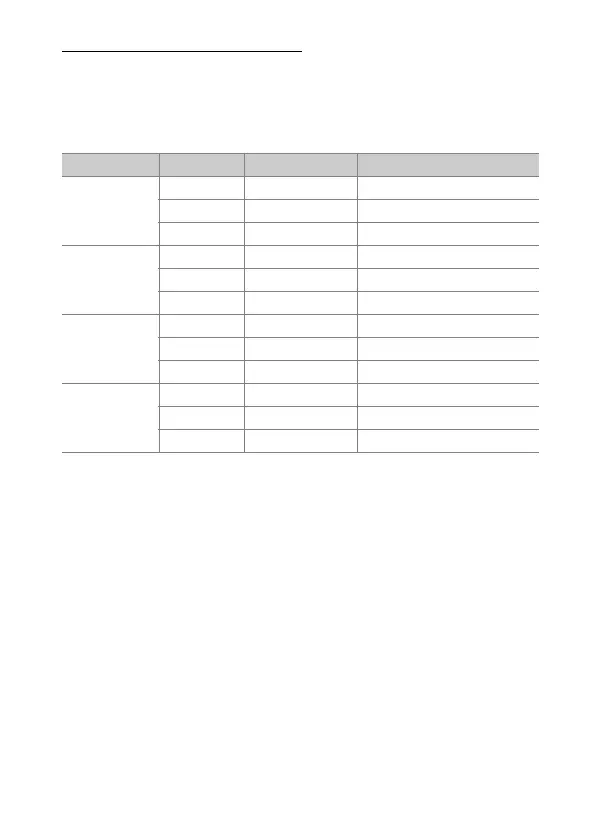
Image area Option Size (pixels) Print size (cm/in.)
*
[FX (36×24)]
(FX format)
Large 6048 × 4024 51.2 × 34.1/20.2 × 13.4
Medium 4528 × 3016 38.3 × 25.5/15.1 × 10.1
Small 3024 × 2016 25.6 × 17.1/10.1 × 6.7
[DX (24×16)]
(DX format)
Large 3936 × 2624 33.3 × 22.2/13.1 × 8.7
Medium 2944 × 1968 24.9 × 16.7/9.8 × 6.6
Small 1968 × 1312 16.7 × 11.1/6.6 × 4.4
[1 : 1
(24×24)]
Large 4016 × 4016 34.0 × 34.0/13.4 × 13.4
Medium 3008 × 3008 25.5 × 25.5/10.0 × 10.0
Small 2000 × 2000 16.9 × 16.9/6.7 × 6.7
[16 : 9
(36×20)]
Large 6048 × 3400 51.2 × 28.8/20.2 × 11.3
Medium 4528 × 2544 38.3 × 21.5/15.1 × 8.5
Small 3024 × 1696 25.6 × 14.4/10.1 × 5.7



 To Next Page