97
Camera Controls
Choosing an Image Size
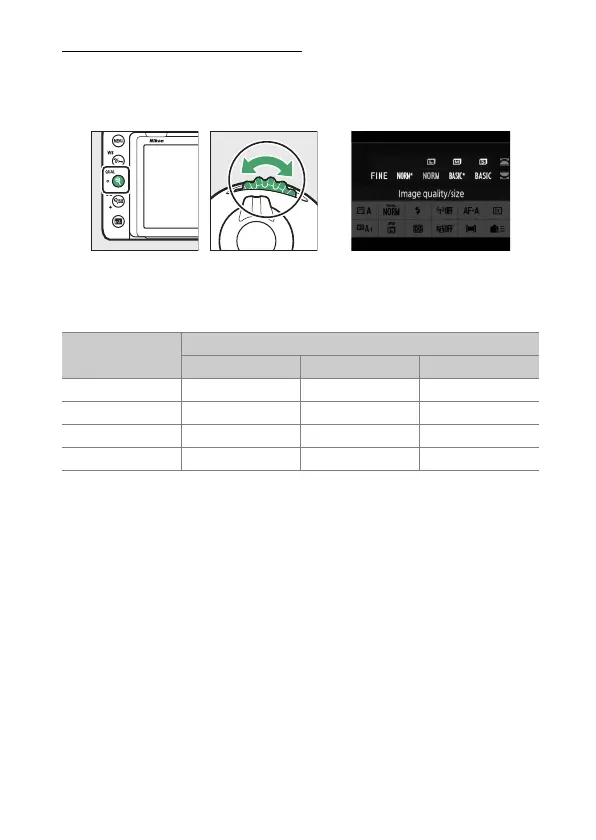
During viewfinder photography, image size can be adjusted by
holding the
X
(
T
) button and rotating the sub-command
dial.
Choose from [Large], [Medium], and [Small]; the selected
option applies to JPEG photos. The physical dimensions of the
photos in pixels varies with image area.
Image area
Image size
[Large] [Medium] [Small]
[FX (36×24)] 6048×4024 4528×3016 3024×2016
[DX (24×16)] 3936×2624 2944×1968 1968×1312
[1:1 (24×24)] 4016×4016 3008×3008 2000×2000
[16:9 (36×20)] 6048×3400 4528×2544 3024×1696



 To Next Page