281
Other Shooting Options
Deleting Copies
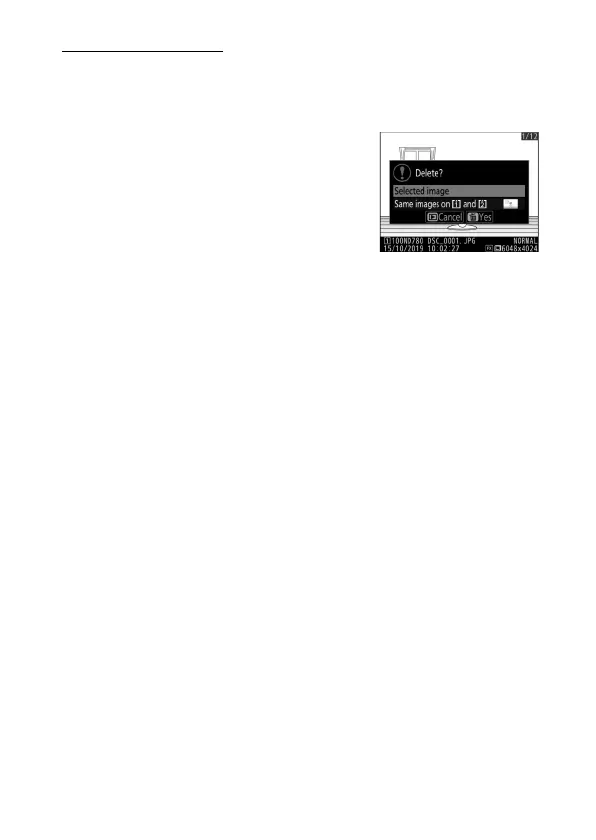
When deleting pictures recorded using [Backup] or [RAW Slot
1 - JPEG Slot 2], you have the choice of erasing either both
copies or only the copy on the card in the current slot.
•
Pressing
O
(
Q
) when picture created
using either of these options is
highlighted during playback displays a
confirmation message.
•
To delete only the copy on the card in
the current slot, highlight [Selected
image] and press
O
(
Q
) again. The copy on the remaining
card is not deleted.
•
To delete both copies, highlight [Same images on
w
and
x
]
and press
O
(
Q
).



 To Next Page